About Me
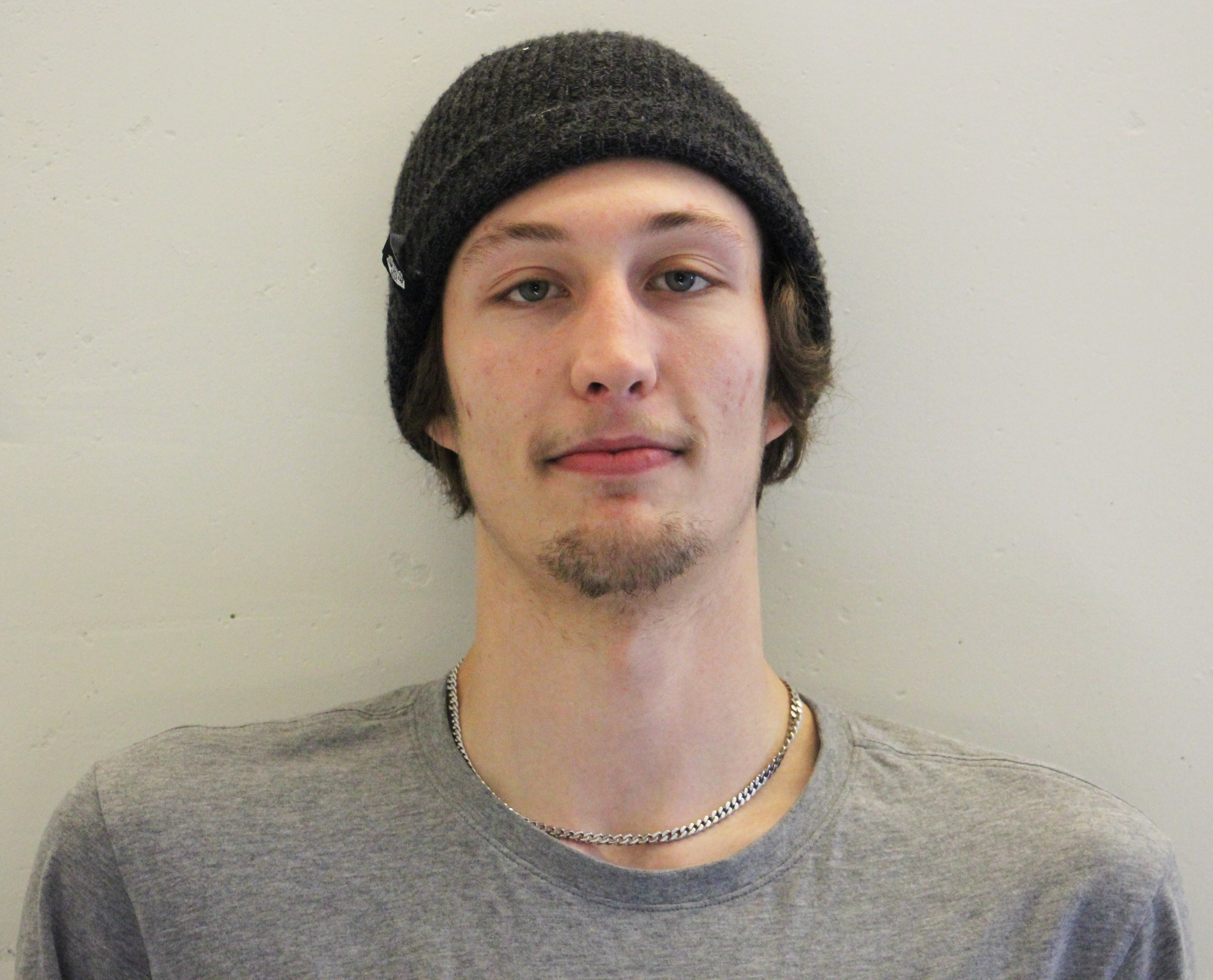
Hi, I am 22 Years Old and I love to get creative and learn.
Carleton University B.I.T - Interactive Multimedia and design.
Github
emailContact Me
Hi, I am 22 Years Old and I love to get creative and learn.
Carleton University B.I.T - Interactive Multimedia and design.
IMD teaches a wide range of skills, allowing the students the ability to hone in and master specific skills. Below is the strongest skills gained throughout the IMD experience, applying those skills to multiple projects throughout the years.
Adobe Creative Cloud.
Photograph Manipulaiton
2D Vector graphics
Video production
2D and 3D animations
Texturing

Autodesk Maya 2017
3D Modelling
3D Animation
3D Computer Graphics
Applying Mocap Data
Python 3
Mental Ray Rendering

Unreal Engine 4.14
Virtual Reality Development
Game Development
Visual Effects
Cascade Particle System
User Interface Development
Interaction Development

Responsive Web Design
CSS3
JavaScript
HTML5
Web Animations
Quality Assurance software tester at You.i TV for 2 consecutive summers. Working on Treehouse and Corus apps during summer 2015 on the platforms of iOS and Android. Working on TBS and TNT as a software tester in summer 2016. I also did the motion design for the settings pages for both TBS and TNT using Adobe After Effects and the You.i Engine. These apps were built on tvOS and Amazon Fire TV. Afterwards moving on to work on NBA app on PS3, PS4 and XBOXONE.

Treehousego

TBS and TNT

Corus Entertainment

NBA
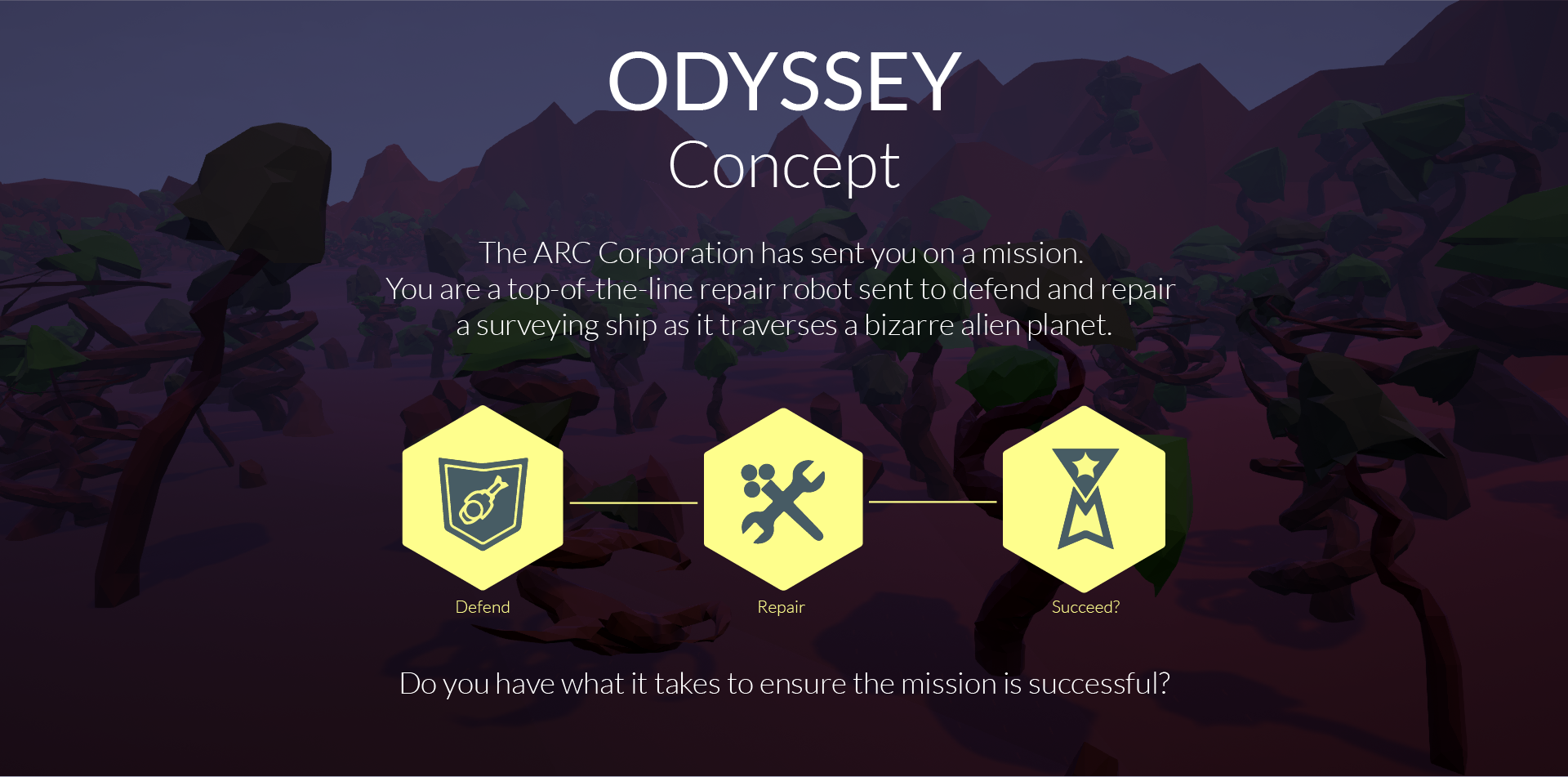
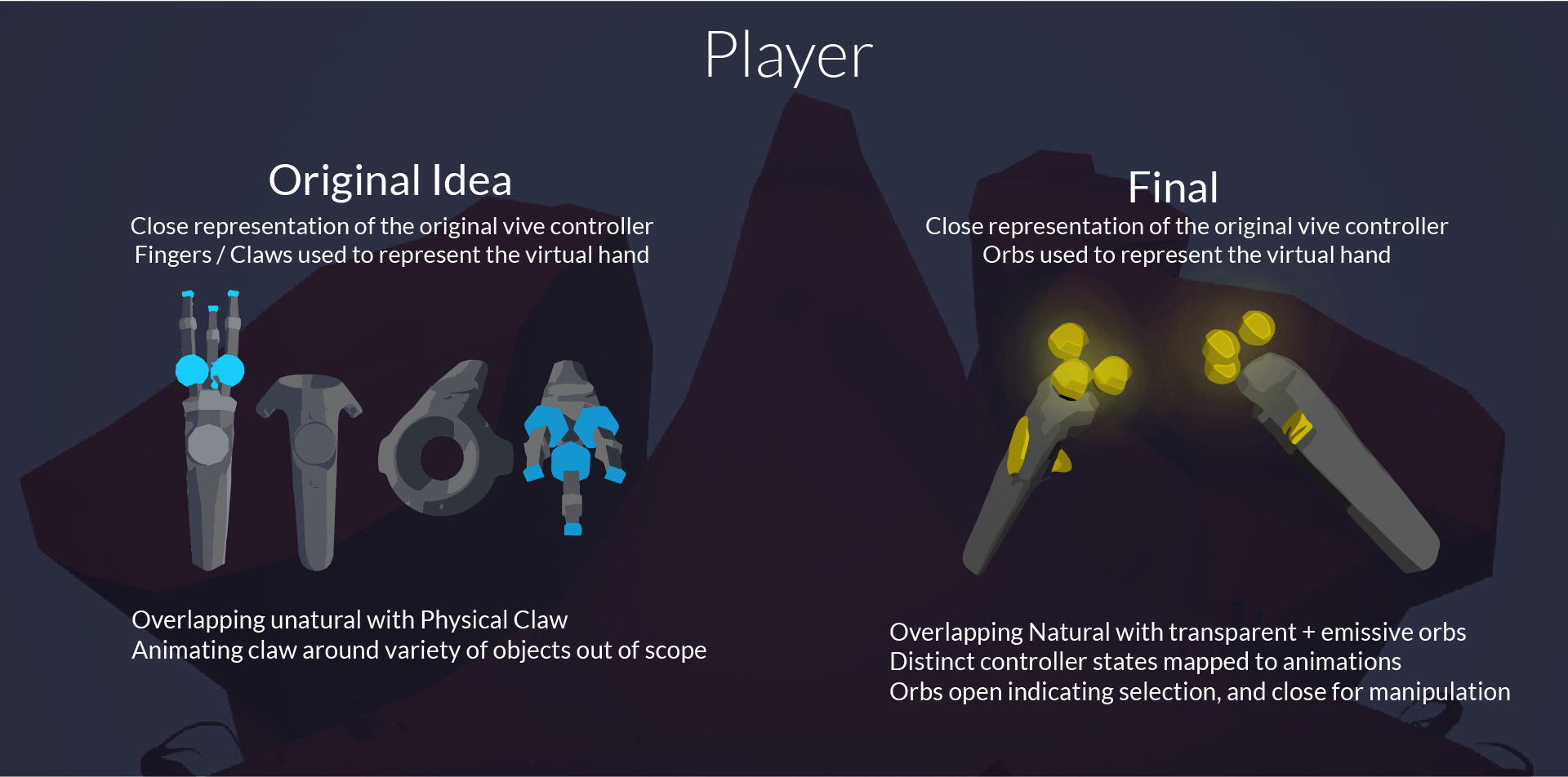
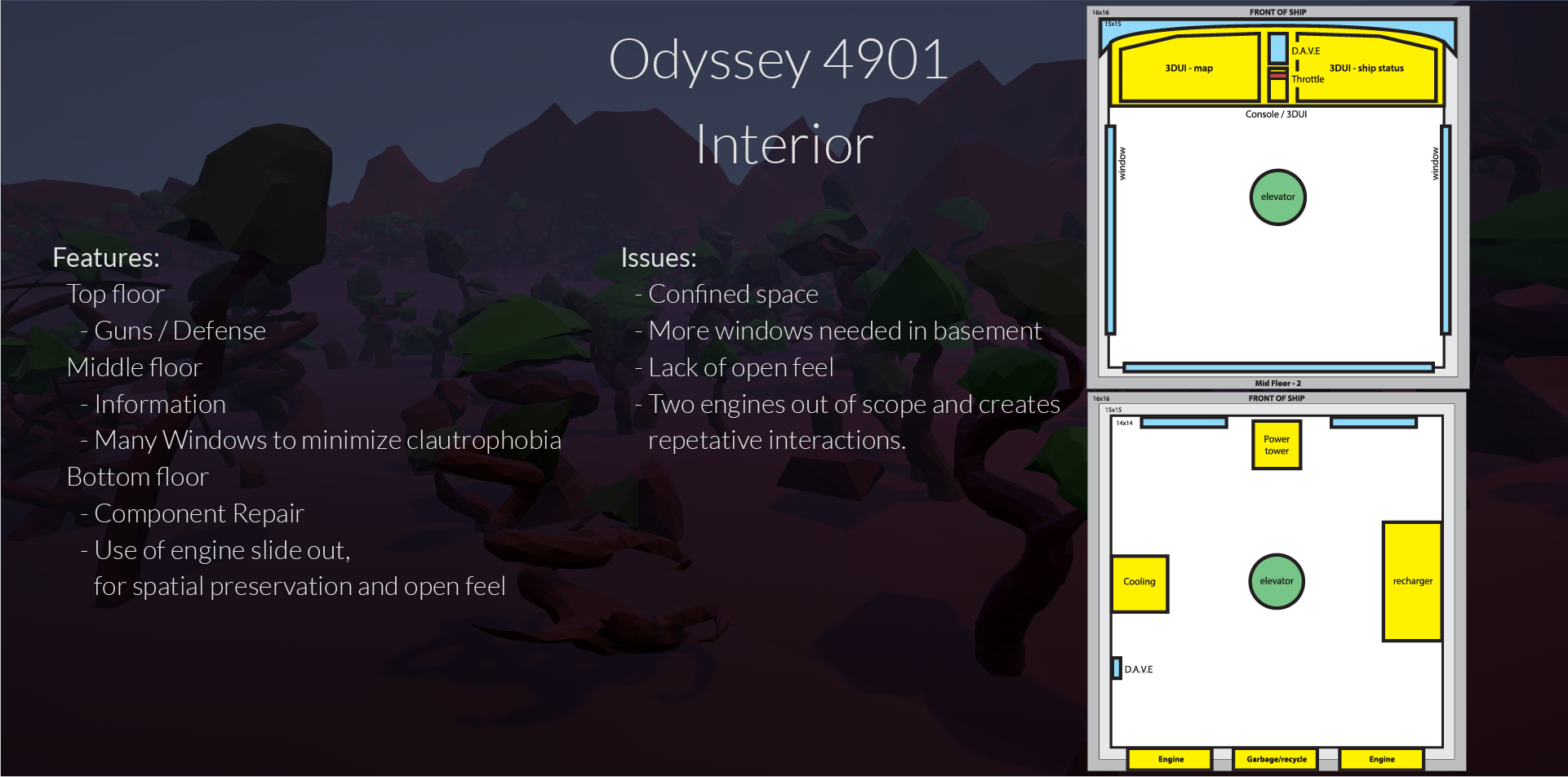
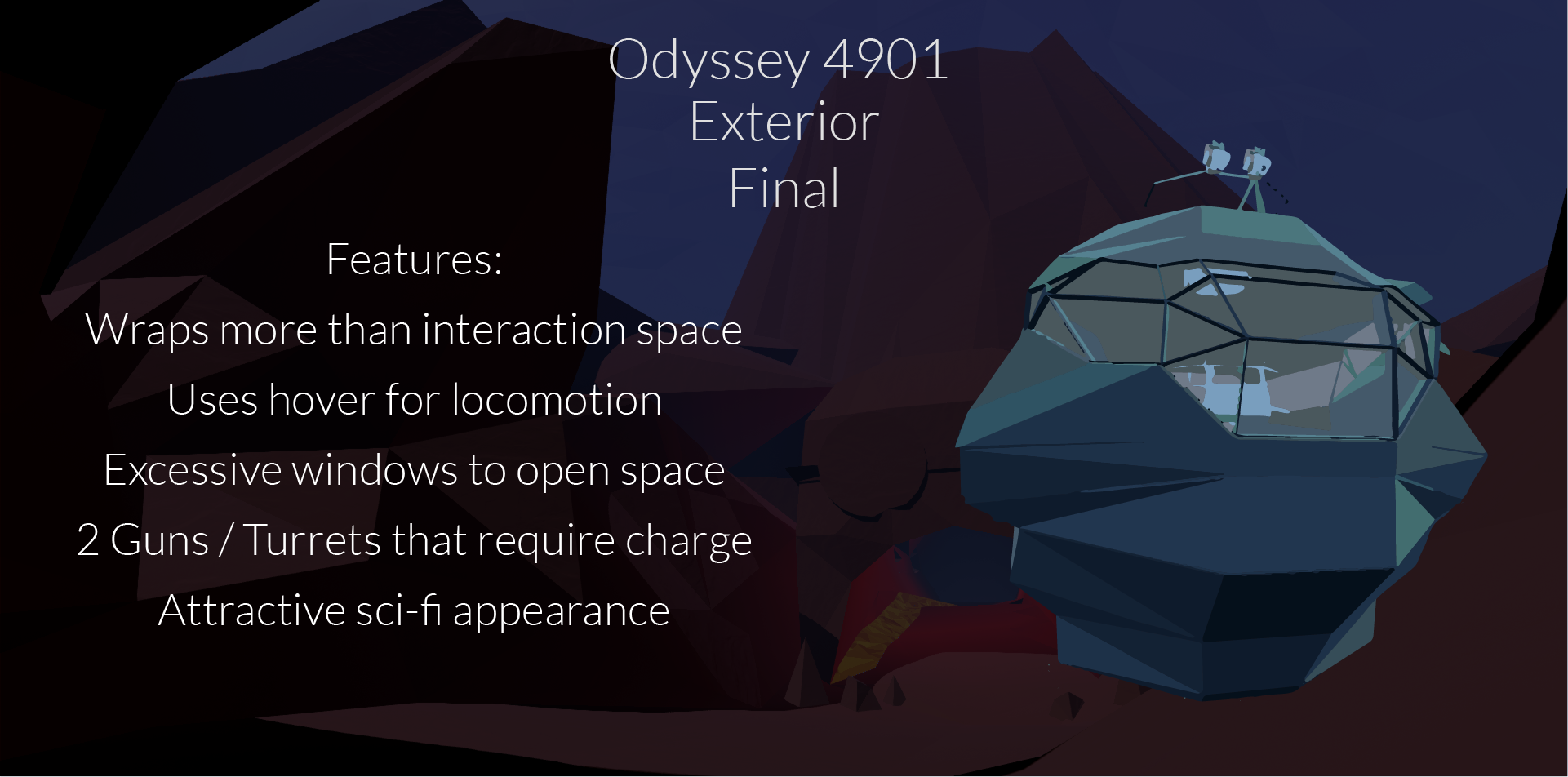
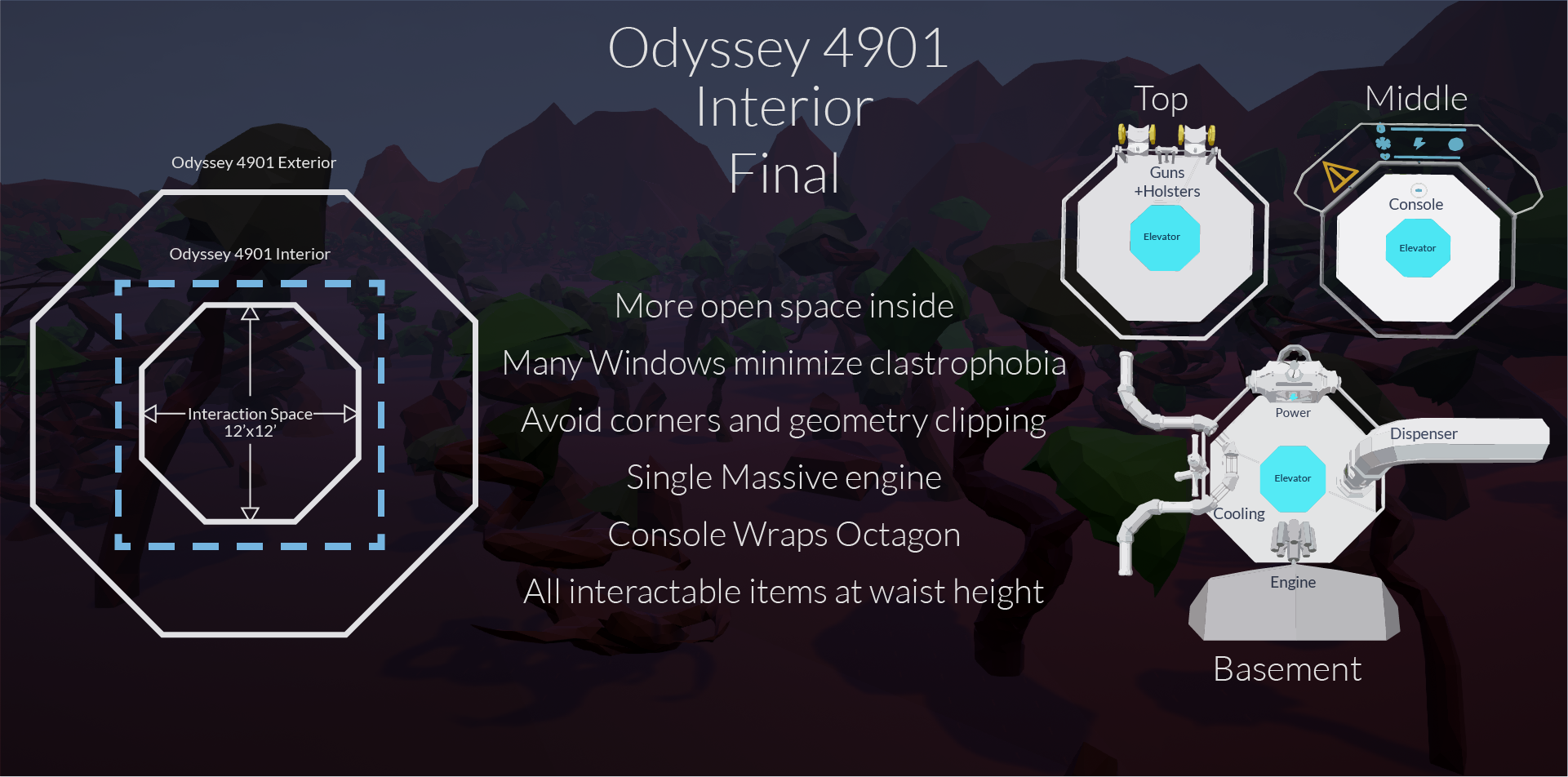
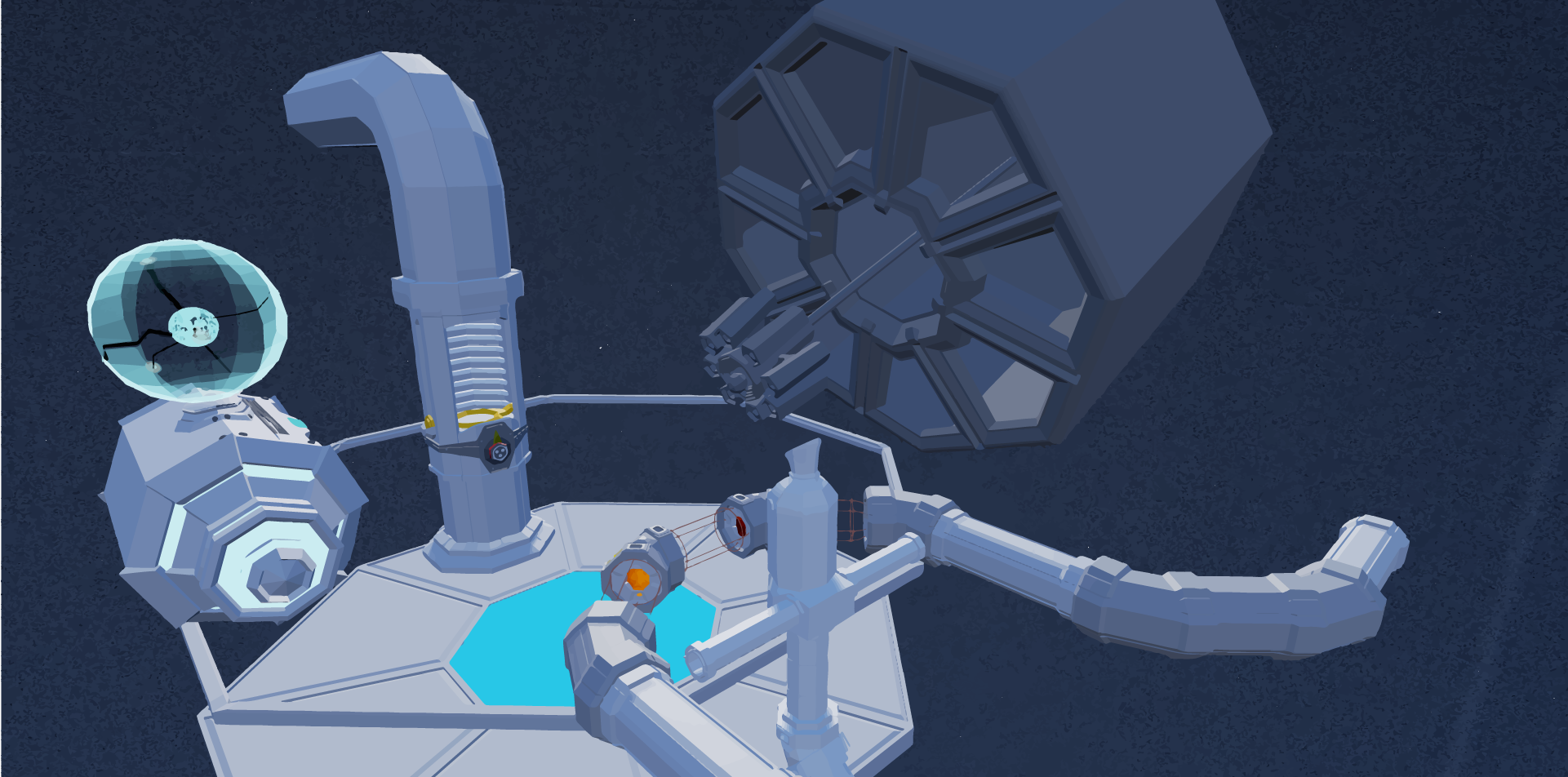
Developed for the HTC Vive
Virtual Reality Game Experience
Role: AI, UX, Interacion, FX, Optimizations
| Team Member | Role |
|---|---|
| Mark Brouwer | AI, UX, Interacion, FX, Optimizations |
| Eric Aylward | Project Manager, UX, Interaction, Optimizations |
| Akito Roberge | Level Design + Development |
| Patrick Stevens | Game Mechanics, Audio Engineer |
| Tomiwa Aina | 3d Models, Animator |
| Software | |
|---|---|
| Unreal Engine 4.14 | VR Development + VFX |
| Autodesk Maya | 3D Models |
| Adobe Illustrator | 2D Vector Graphics |





Developed for the HTC Vive
Virtual Reality Game
Role: AI Programmer, Modeller, Animator, UX
| Team Member | Role |
|---|---|
| Mark Brouwer | Enemy AI, Modeller, Animator, UX, VFX |
| Eric Aylward | Project Manager, Interaction, Enemy AI, Wave |
| Akito Roberge | Modeller, Animator, SFX |
| Curtis McCrady | Modeller, Animator, UI design |
| Software | |
|---|---|
| Unreal Engine 4.14 | VR Development + VFX |
| Autodesk Maya | 3D Models |
| Adobe Illustrator | 2D Vector Graphics |
A wave based Virtual reality game Developed with HTC vive and Unreal Engien 4. There must be something special in these waters to have the animals act this way. It's your duty to protect the baby from the attacking animals of the lagoon.
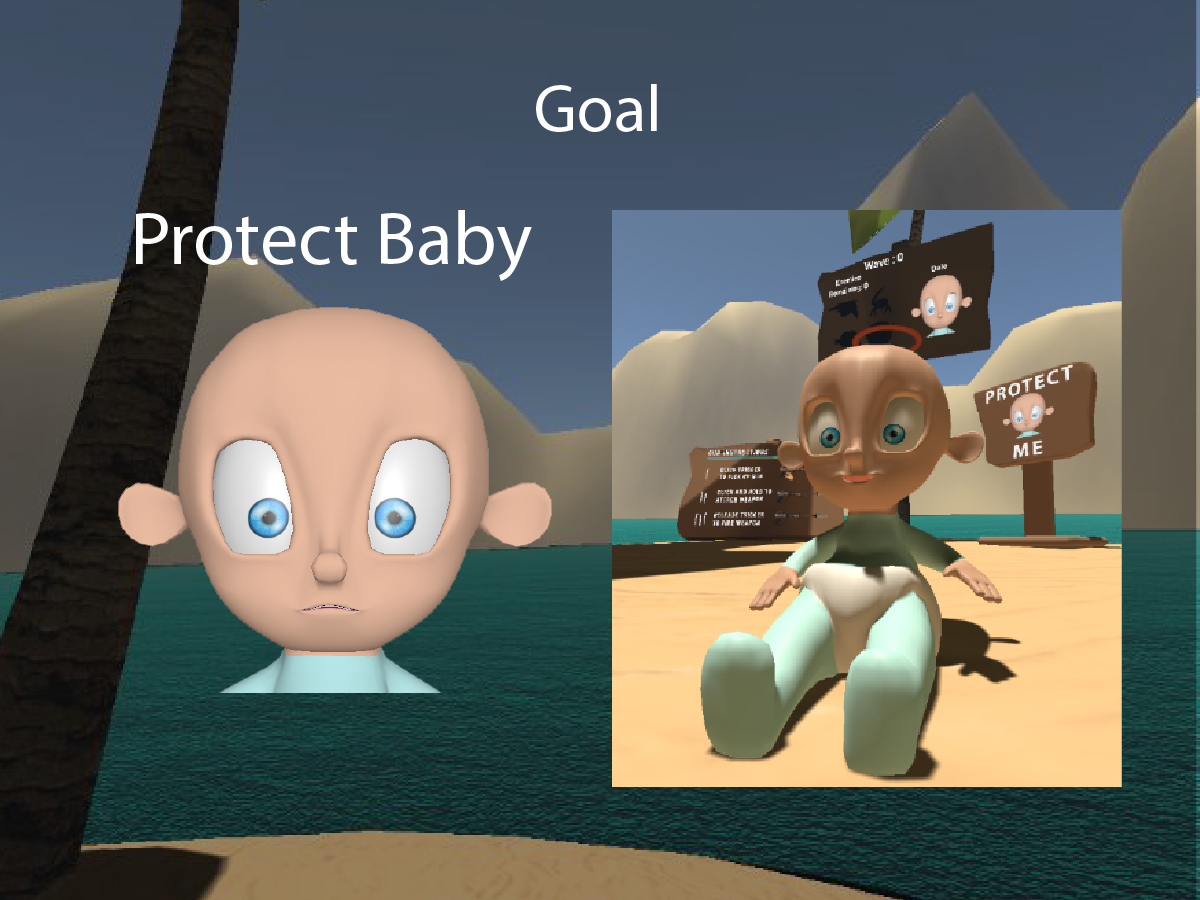
The Goal of the Game is to Protect the baby named Dale. The lagoon animals see him as a potential meal and you must stop them. Dale is terrified for his life, he gets happier when his health is full. He will feast on the animal bodies to lighten his mood, but he may need some help choosing his meals. The main objective behind protecting a baby and not the player, was to avoid physical interactions with the player that were impossible to recreate with collisions.

As defense for the baby, you can use fists (Controllers), a variety of melee weapons, or The H.O.L.C. that can propell melee weapons and animals, or be used to extend the reach of the melee weapon.
The breakdown of the gameplay and challenges:
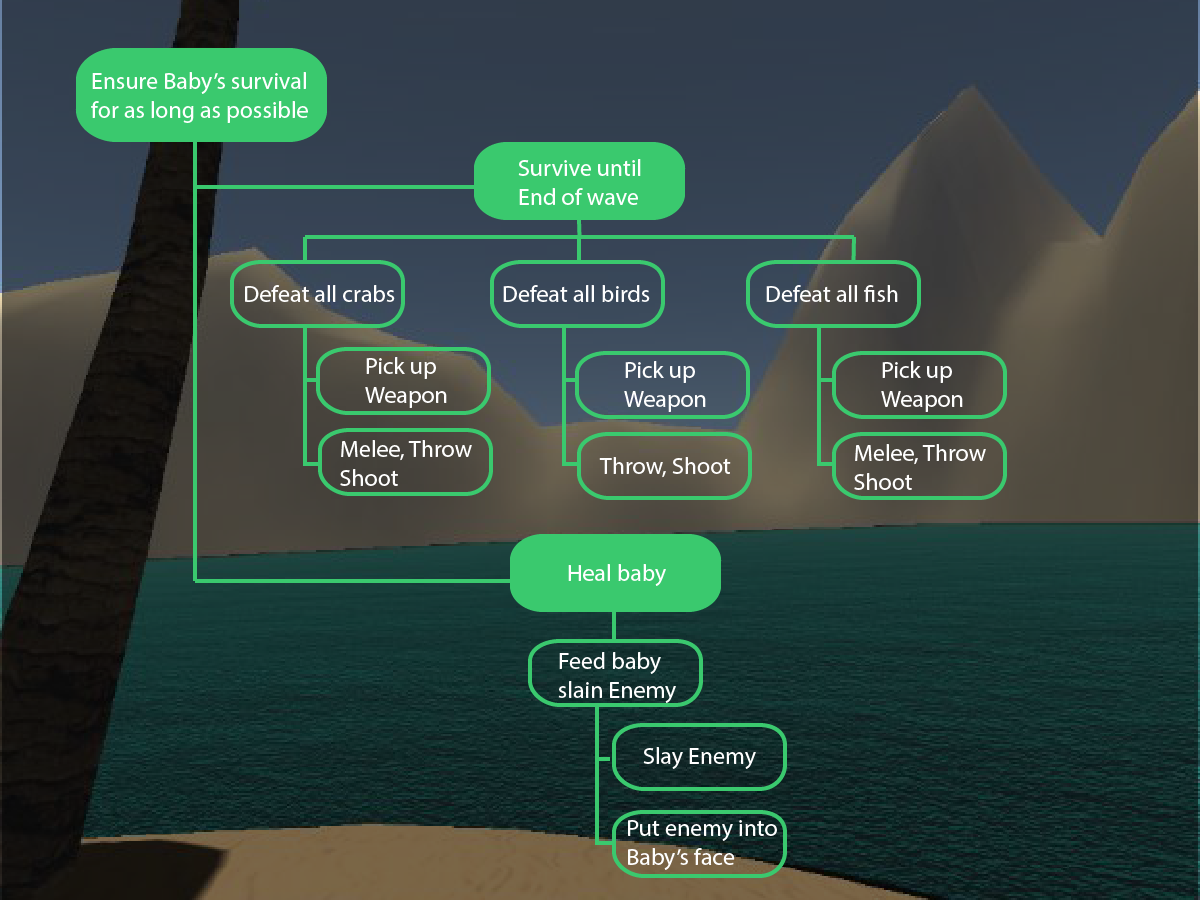
Actions within our game are limited to selection and manipulation which are triggered by trigger clicks. Additionally, timing of trigger press and release will be incorporated and will affect physics.
Players are able to pickup, drop, throw and shoot objects.Shooting an object launches it further and faster than a throw and has more accuracy.Players are able to feed the baby. This is done by selecting and manipulating a slain enemy and bringing it into the baby’s crib or by colliding the food with the baby itself.
Some challenges we had to overcome included:
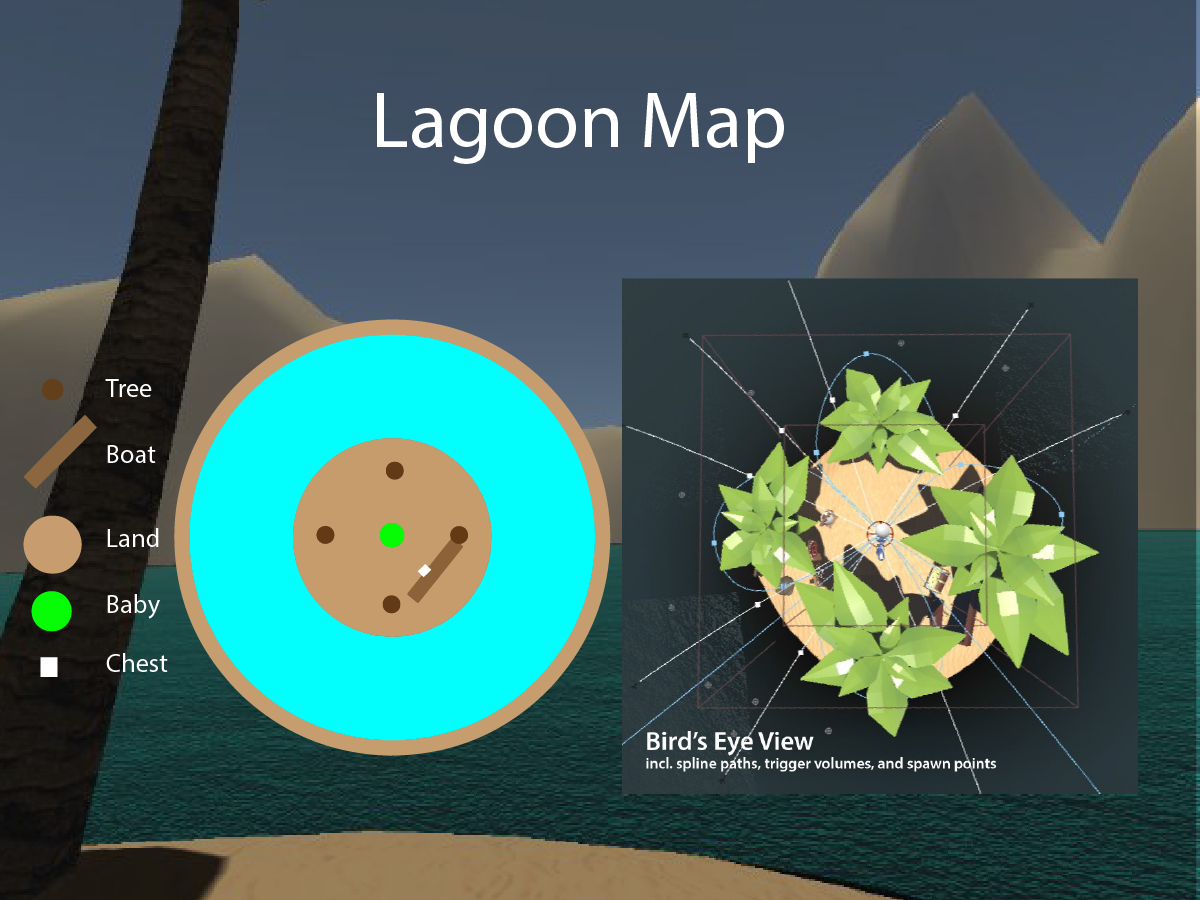
This is a birds eye view of the map. You can see the baby in the center, the spawning points of the enemies. You can also see the spline paths they take to reach Dale. Trigger volumes are visible around the island for some of the enemies. The chest is the place where new melee weapons will spawn each round.
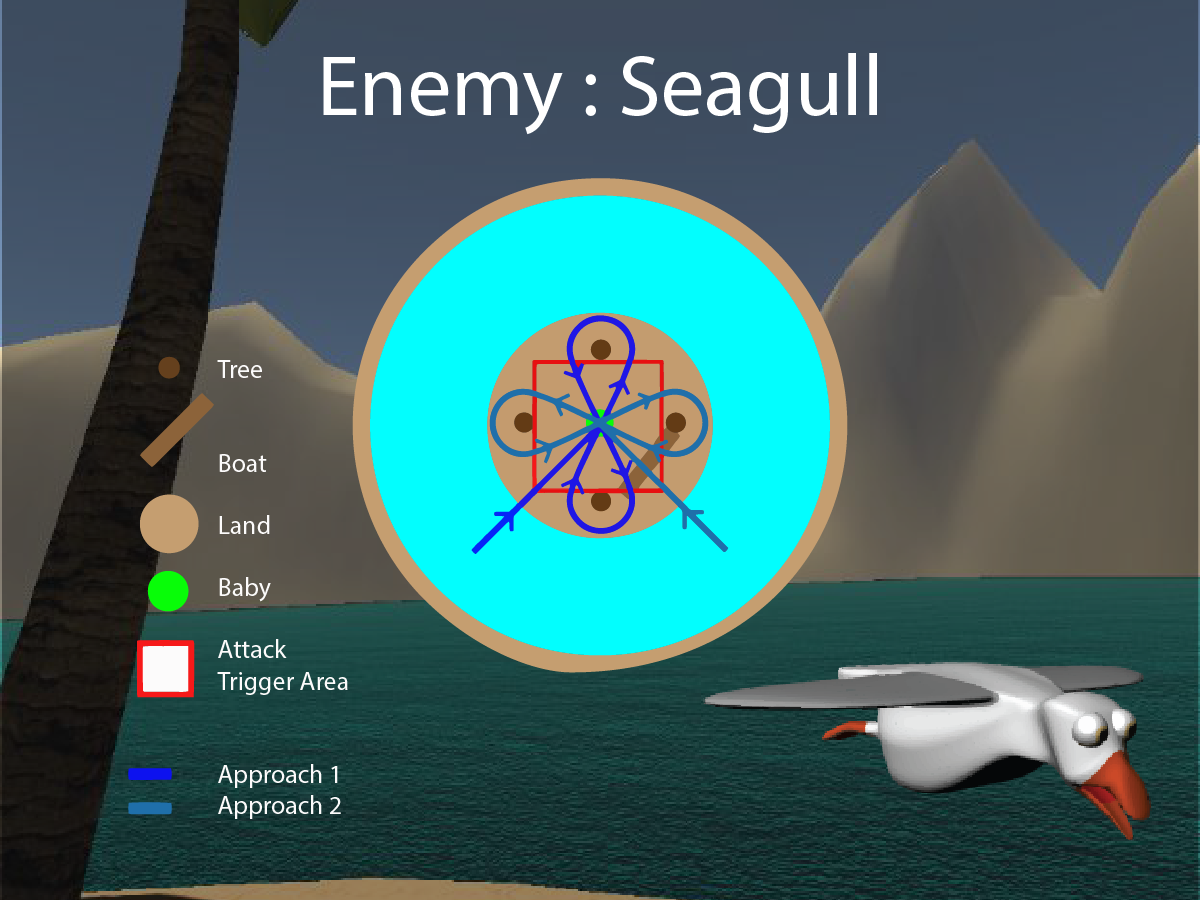
Seagulls follow a spline starting approximately 2000 cm out from the center of the island. The seagull travels fairly slow along the spline. This gives the user ample time to watch it coming in and hit it. The seagull is intended to be an easy enemy to defeat.
The seagull attacks by pooping onto Dale. Pooping is triggered when the seagull overlaps the islandCollider trigger volume (shown in red on the diagram).

The crabs spawn at a location within a 800cm radius of the island and will begin travelling on the ground, under the water toward the baby until it reaches the island. They travel slowly allowing the player to have lots of time to see them coming. They are considered an easy enemy to defeat.
Since the crabs were a land creature, I made sure that they spawned in random positions, and avoided any obstacles that appeared in their pathway to Dale.
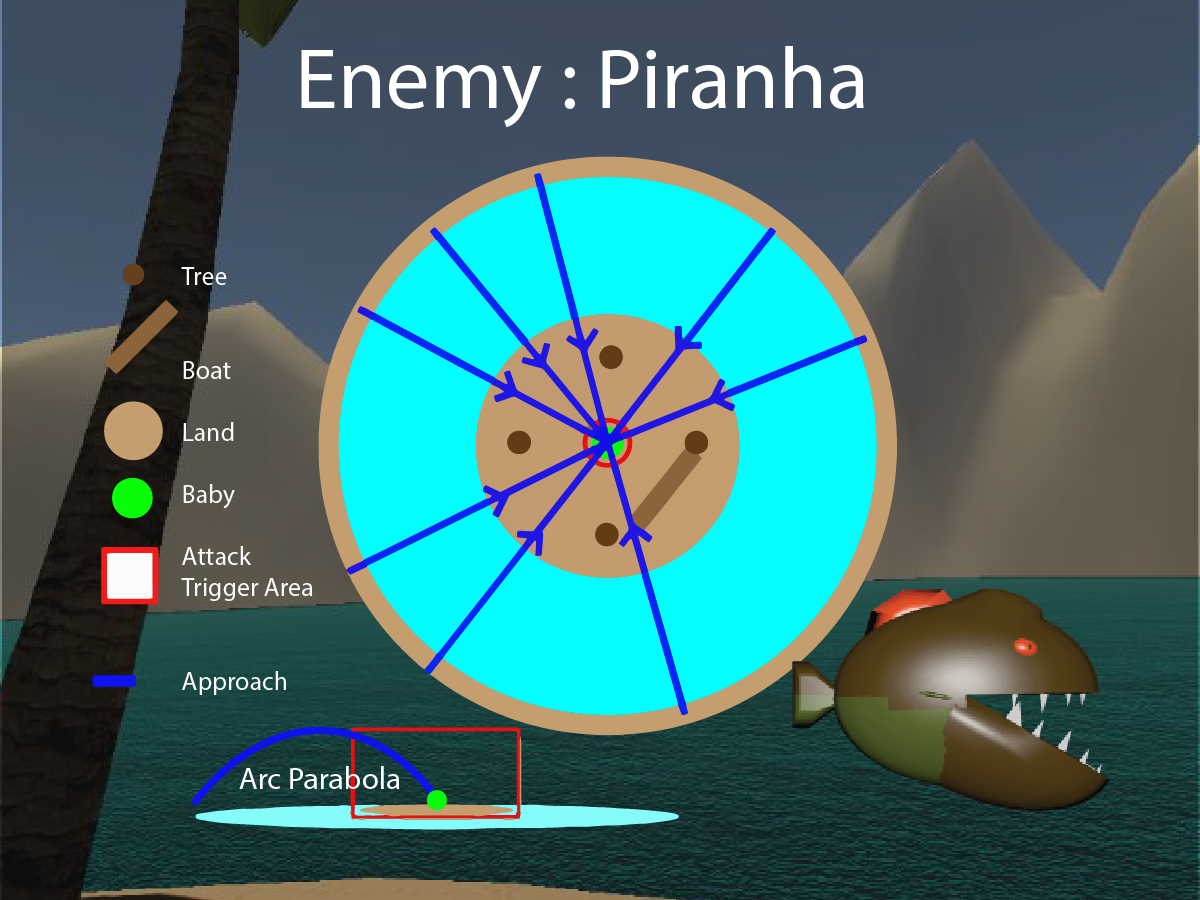
Piranhas spawn in the water and follow a parabolic spline. If the piranha is still alive by the time it reaches Dale, it will freeze at the end point of the spline (appearing to be chomping on Dale’s head). At this point, the piranha inflicts between 1-2% (randomly determined float) of health damage per second. When the player kills the piranha, damage infliction stops.
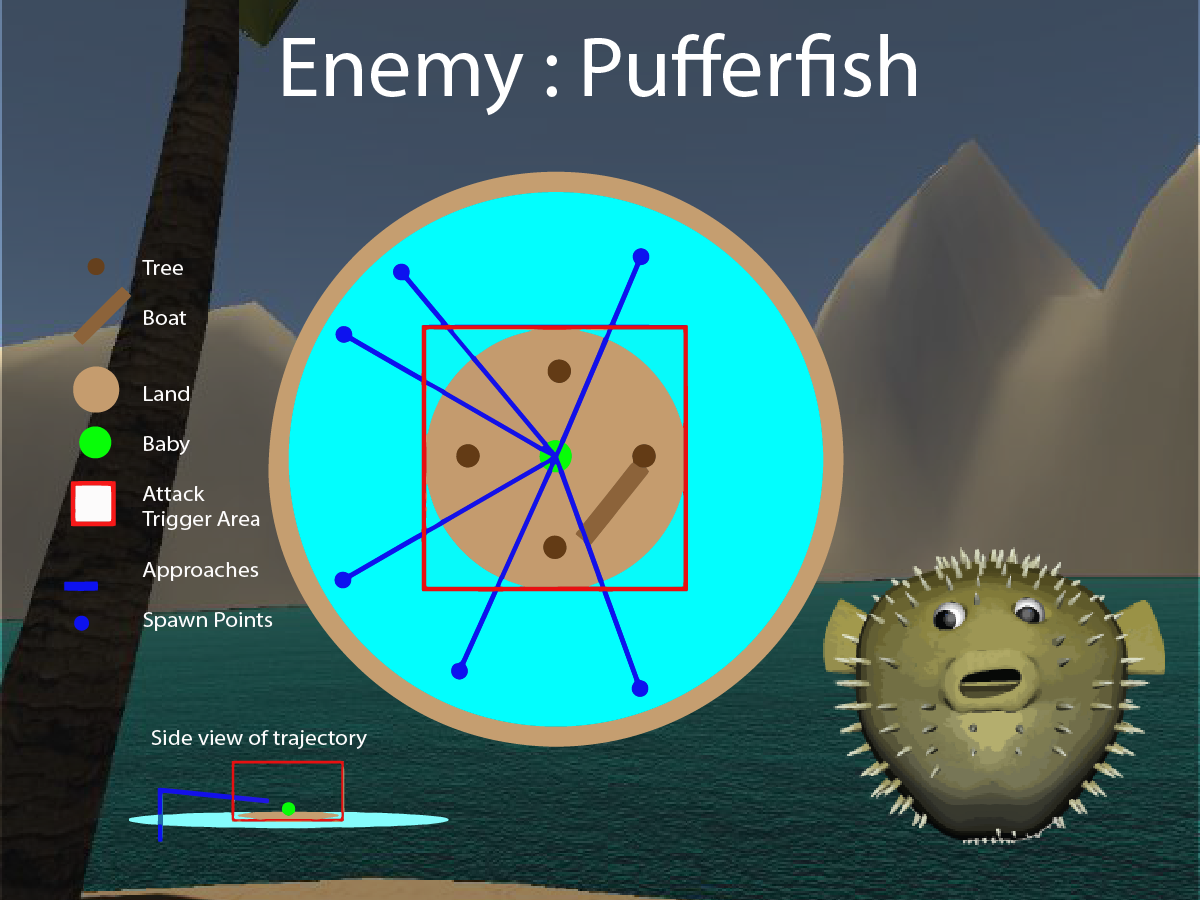
The pufferfish will spawn 1000cm radius away from the island, it will raise straight up vertically out of the water as it begins expanding. Once its above water level it will stop raising and will start making its way toward the island. It will finish its attack when within a 600 cm radius of the island with the use of a island collision box.The pufferfish is destroyed when attacking by expanding and exploding. It will also explode on impact when an object is shot from the HOLC. The Pufferfish explosion sends out a sphere cast that points in all directions. If the sphere cast comes into contact with the baby it will receive 10% damage.
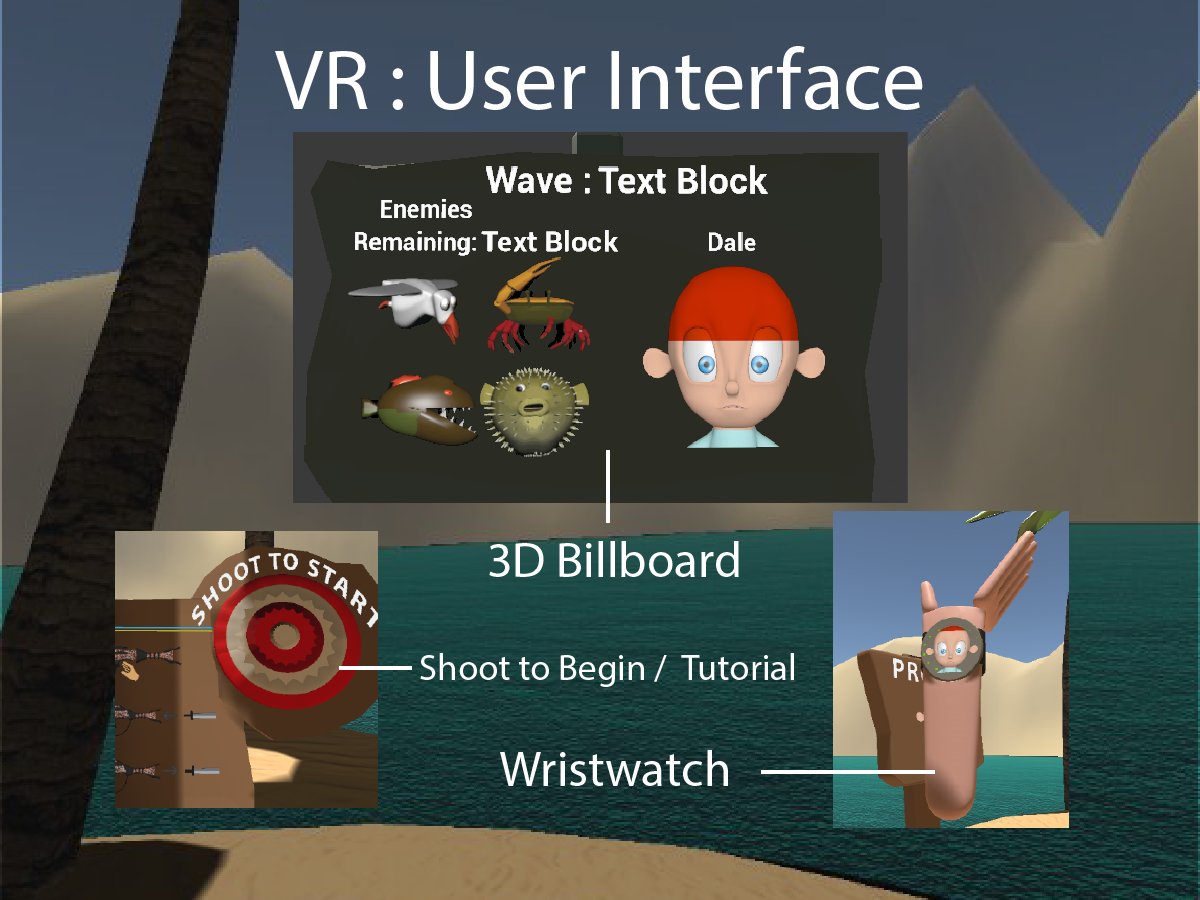
We did not incorporate the use of conventional HUDs - these are distracting and detract from an experience where you’re not wearing a helmet or in some sort of vehicle. We will use the face button on the Vive controller to present the health information (Wristwatch). The babies face in full colour is the status indicating that Dale's health is at 100%. As his health decreases it exposes a red image of Dales face indicating that he is losing health and is dying. A full red photo of Dale results in Dale dying and the player loses.
The other main UI component is a large billboard that is nailed to one of the palm trees. This billboard provides information about the level/wave they are currently playing as well as Dale's health. It will display which level they are currently on and how many enemies are remaining. Each enemy is displayed on the billboard so the player knows which enemies are remaining. The Full state shows that there is 100% of enemies of that type remaining. An empty state indicates that there is 0% of that type of enemy remaining. The full image fades away exposing the silhouette in behind.
Dales face is displayed here as well as the wristwatch to demonstrate to the user the baby's importance.
We thought a tutorial level / starting condition prior to the first wave that would demonstrate to the user how to use the weapons, mainly the HOLC. This was done through a graphic displayed on a billboard located on the ground underneath the main billboard. The Billboard contains instructions about how to use the gun.
Developed by Mauve:
Interative Immersive Environment
Role: UX / Programmer
| Team Member | Role |
|---|---|
| Mark Brouwer | Project Manager ,UX Designer, Lead Kinect Interaciton Developer |
| Eric Aylward | Ux Designer, Multi User Interaction Developer, Dynamic Audio |
| Akito Roberge | Kinect Interaction Developer |
| Rick Jason Colina | Lead Multi User Interaction Developer, SFX |
| Software | |
|---|---|
| Processing 3 | Development |
| Xbox KinectV2 | Xbox Kinect Support for processing |
| Thomas Legellings Processing Kinect Library | Xbox Kinect Library |
| Minum | Sound Library |
As more virtual display screens appear in public spaces to advertise various products, it offers the opportunity to use these displays as canvases for computer generated art. These interactive displays are able to induce emotions and provoke thought by allowing people to manipulate the graphics or installation with their bodies and other physical features.
Our main mission was to create an interactive environment that displays the users expressions in a synthetic pulsing aura shape.The team was motivated to visualize representations of us and users emotions using the Xbox Kinect, we planned out 5 main goals:
- Allow people to visualize their emotions
- Create a unique and satisfying experience for users
- Demonstrate the effects our outwardly projected emotions can have on others
- Encourage users to interact
- Properly communicate what the exhibit is trying to convey
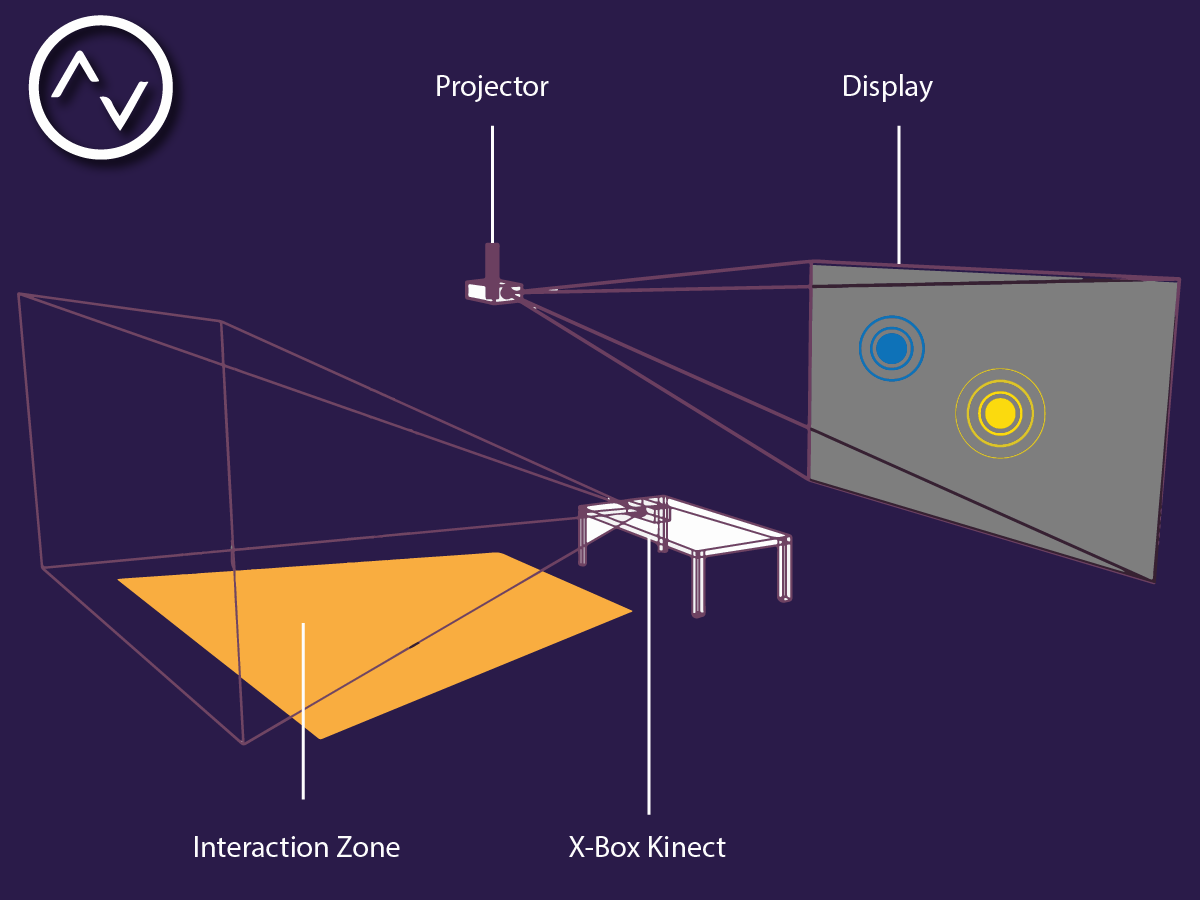
| Required Setup: | ||
|---|---|---|
| Full Kinect capture area | 6 Meters | 19.7 Feet |
| Projector to Floor Height | 3 Meters | 9.8 Feet |
| Ideal facial recognition area | 0.5 Meters | 1.6 Feet (closest distance) |
| Desk / Table height | 0.8 Meters | 2.6 Feet |
| Distance from projector to screen | 5.4 Meters | 17.7 Feet |

One main feature we had was idenfication of expression from facial recognition the kinects provides us with. The Kinect could detect specific features of the face and how they were oriented. We looked at a variety of face expressions and observed how these features were oriented for each. We then researched the most reconized colours that would represent the expressions we were trying to convey. By determining how open the eyes were, the orientation of the mouth, and if it was open or closed. With these features we were able to create representative aura display for 3 main expressions; Happy, Sad and Angry.
Another main feature we had was to represent the users body position through the aura. We realized that people mainly will either have a closed body language and be disengaged, or the opposite, with open body language and engaged. We decided a good way to represent the engagement levels was to calculate the distance between the uses hand positions and use that value to determine the diameter of the aura.
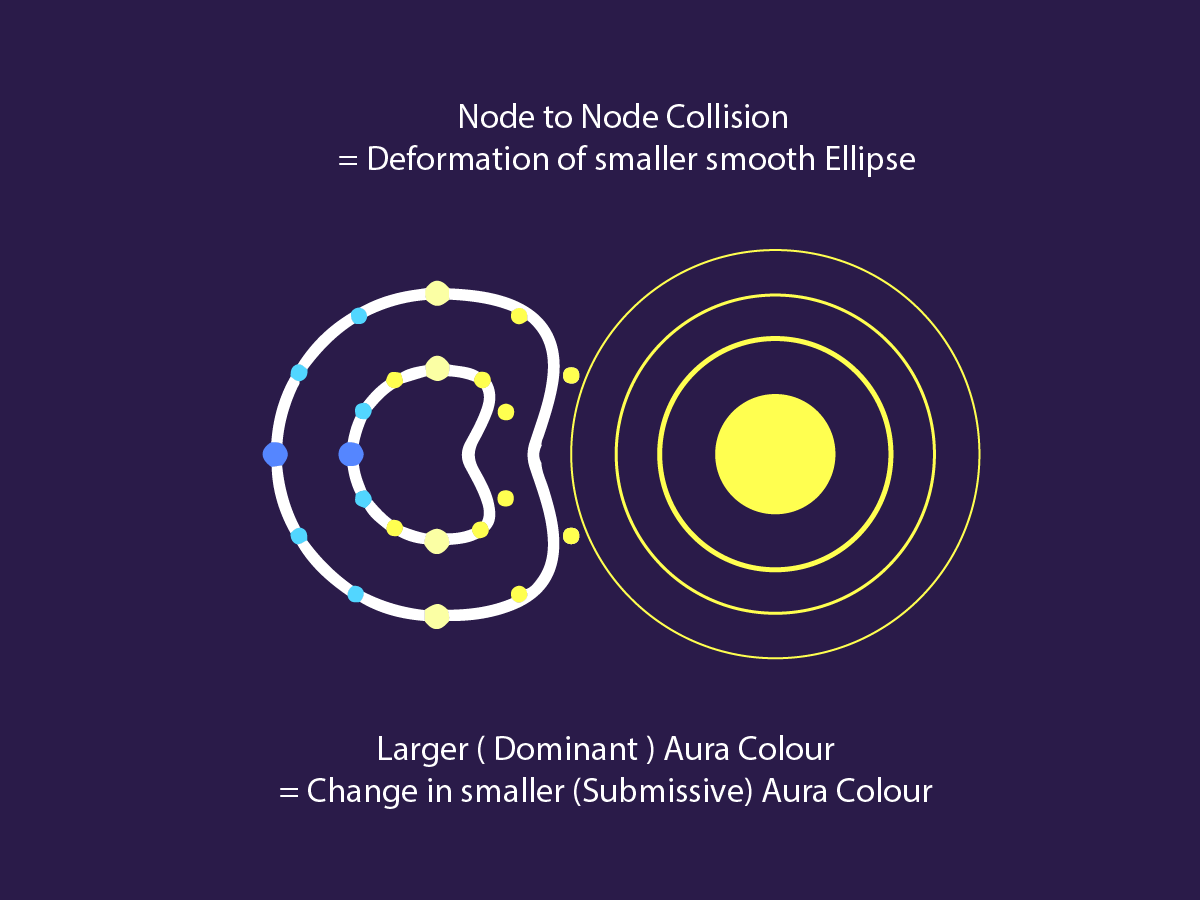
Another main feature we developed was the dynamic interactive auras between users. We developed node t node collisions between the auras to deform them when they collide. We determined that the aura with the larger radius will deform the smaller aura. The colour will also seep into the deformed aura representing that the more dominant expression will affect the people surrounding you.

We also developed a series of seperate rhythms that would represent the dominant emotion. If two users have the same expression the music will cue the rhythm representative of the dominant expression. The synths work well together and have smooth transitions from the neutral tone to each expression.
Developed by Mauve:
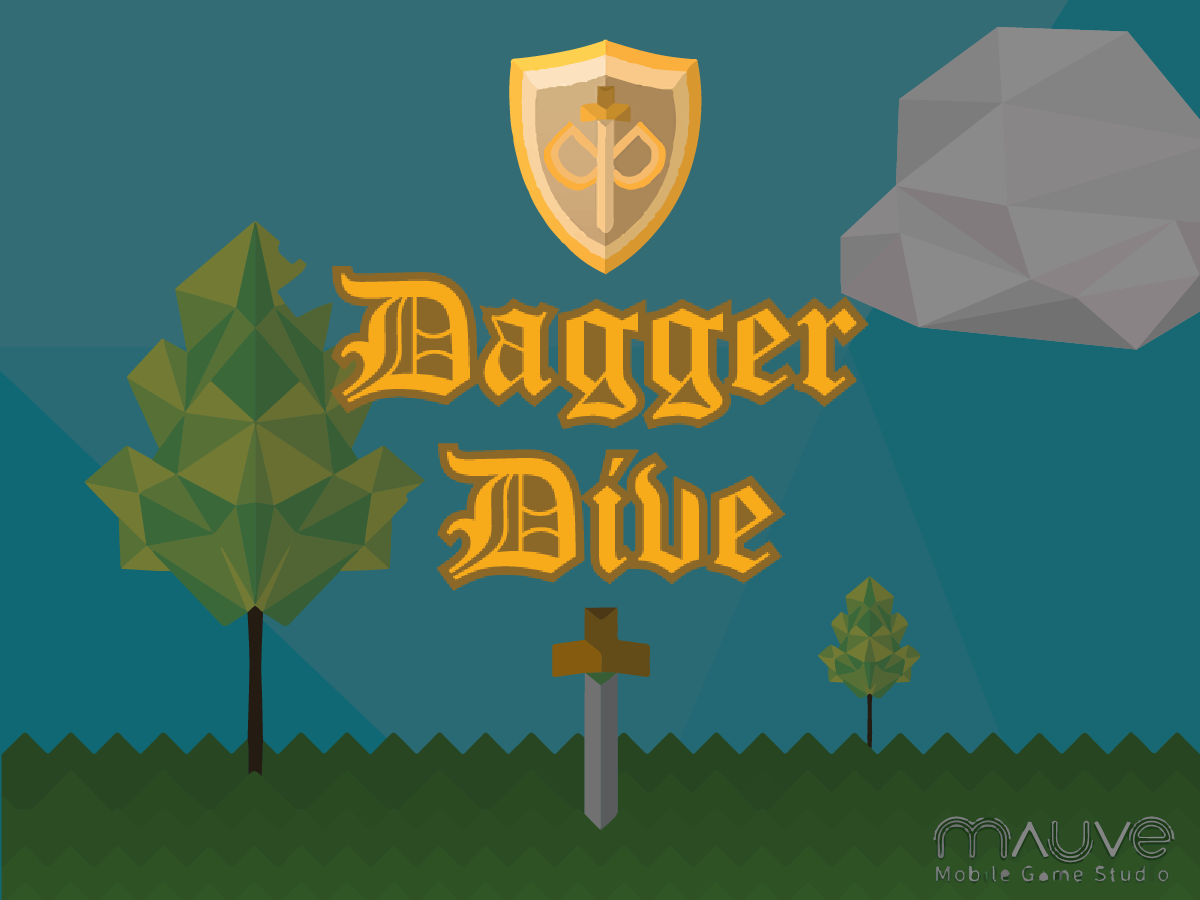
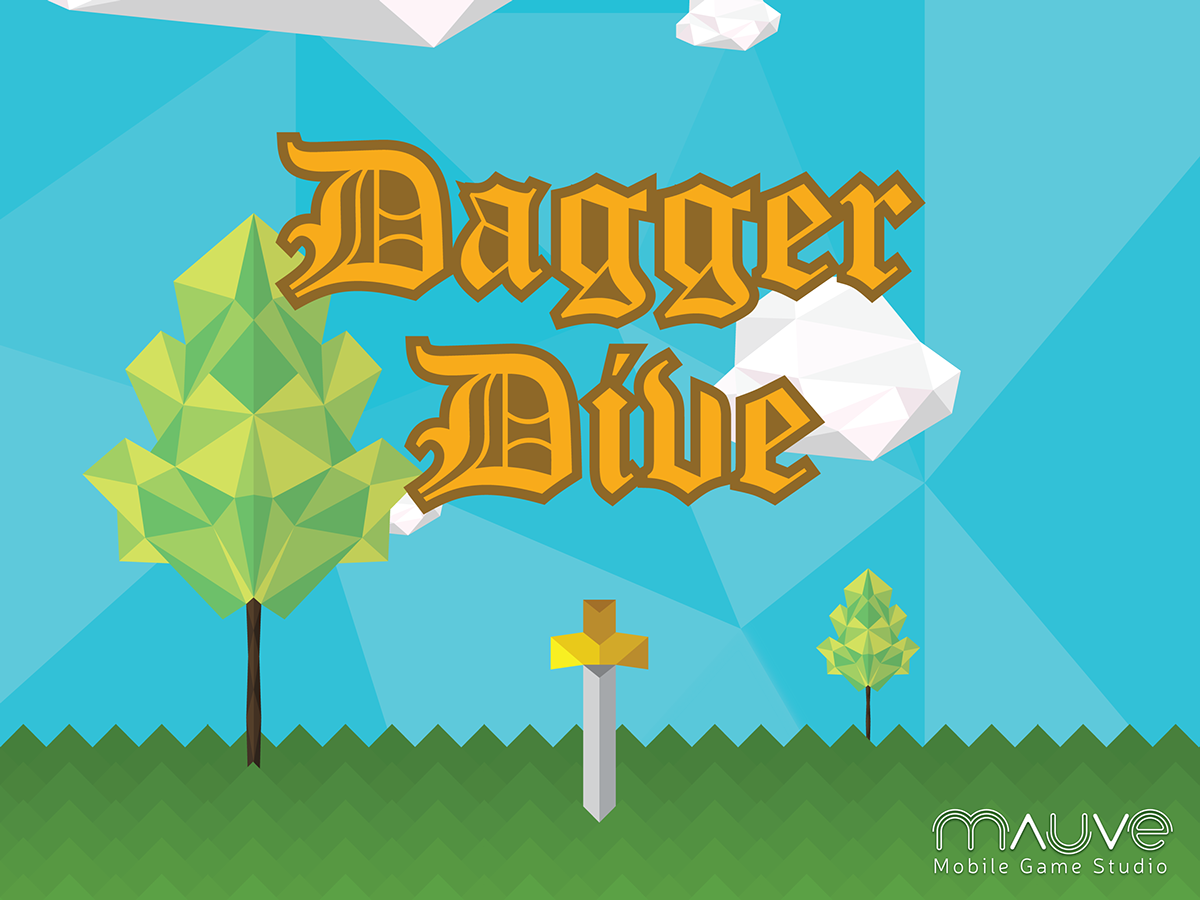
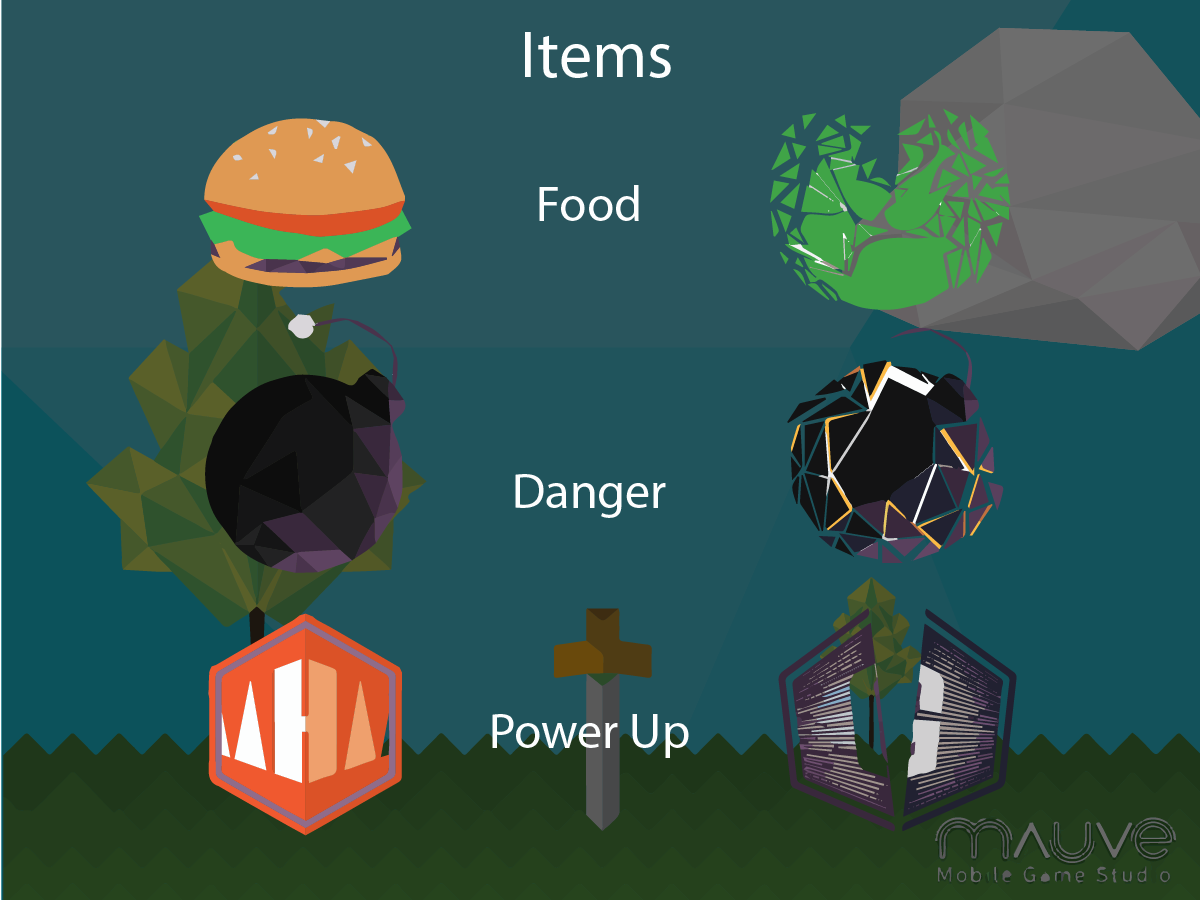
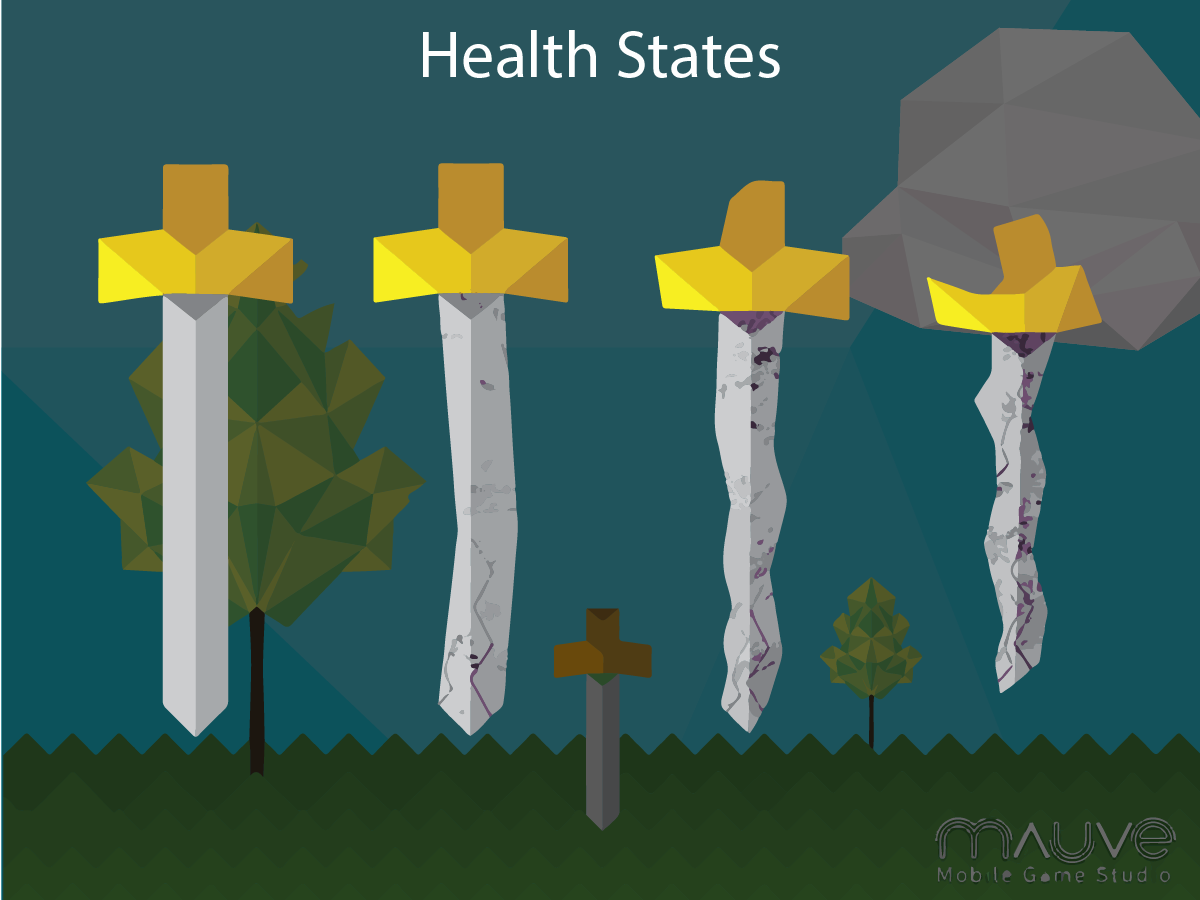
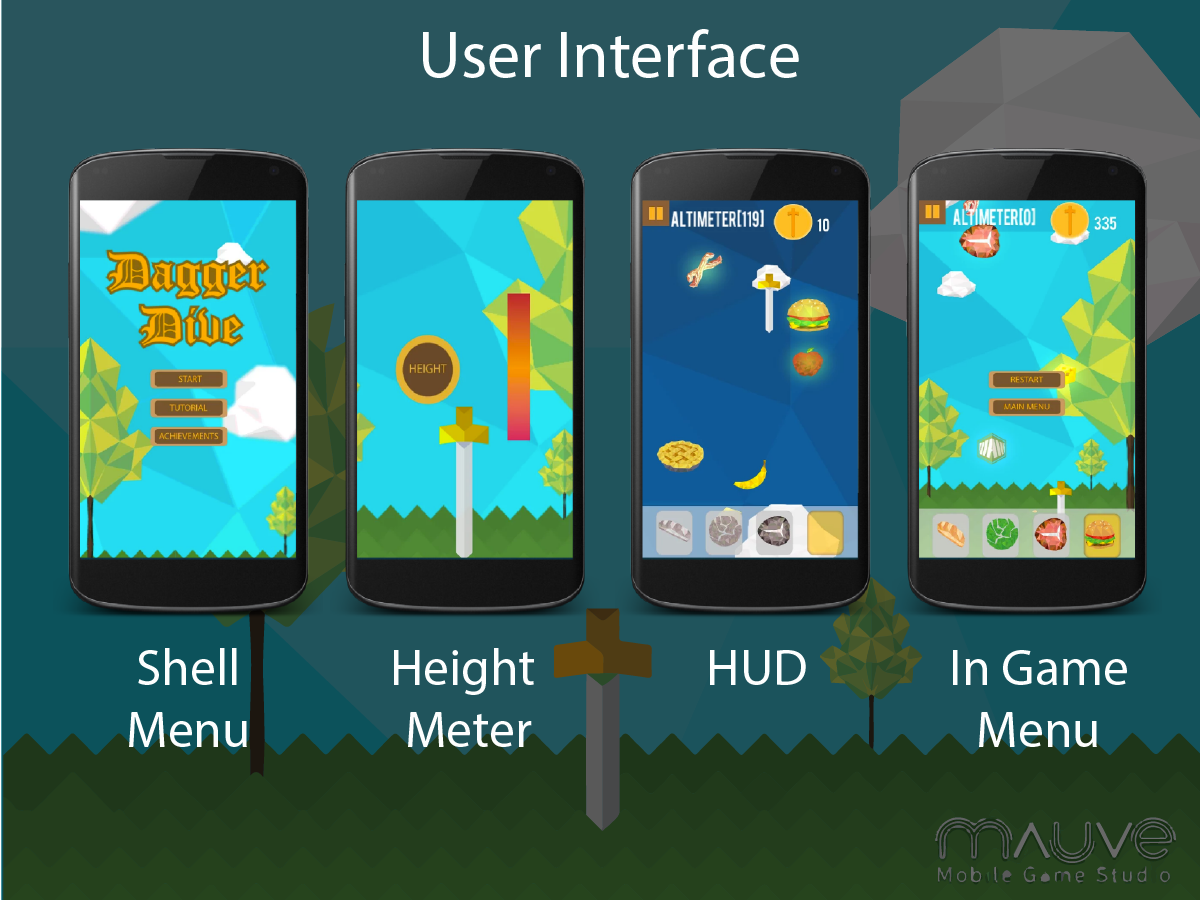
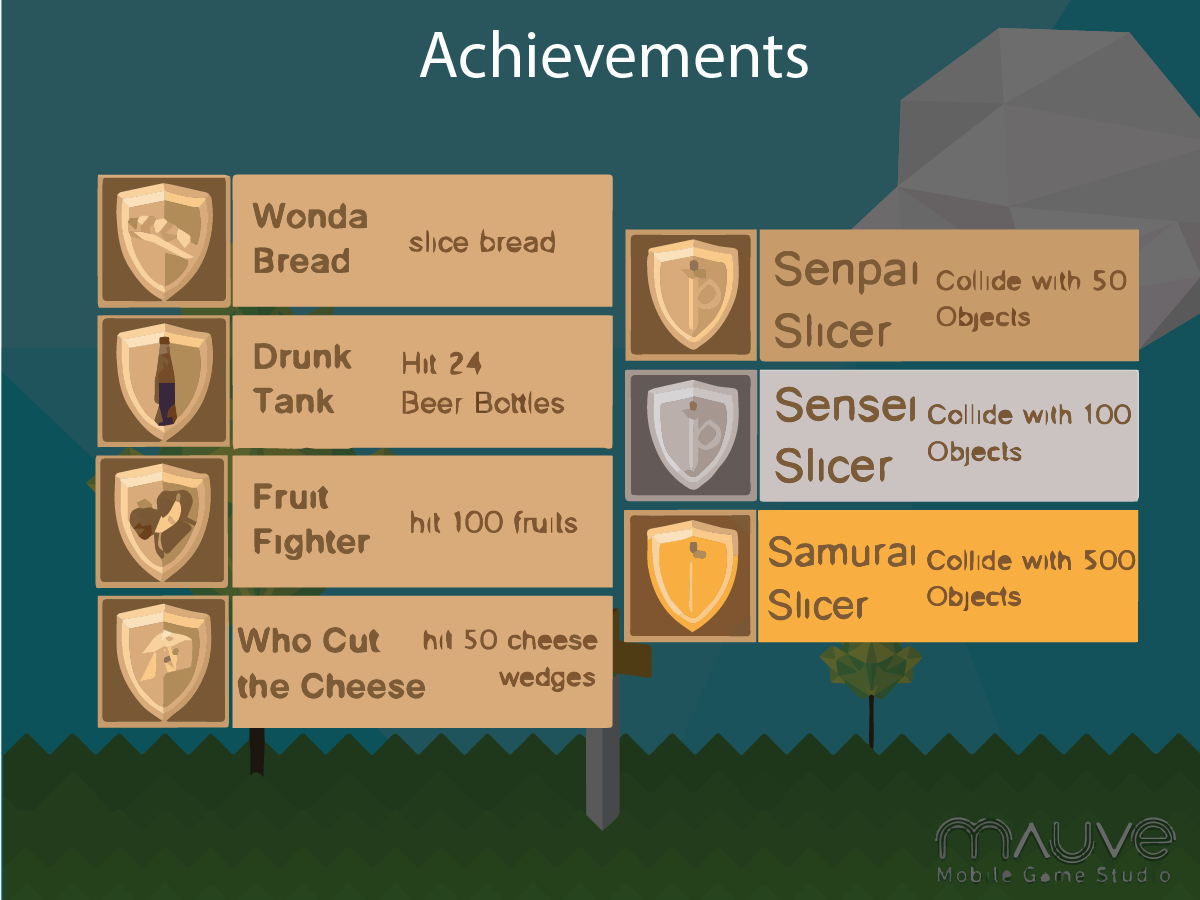
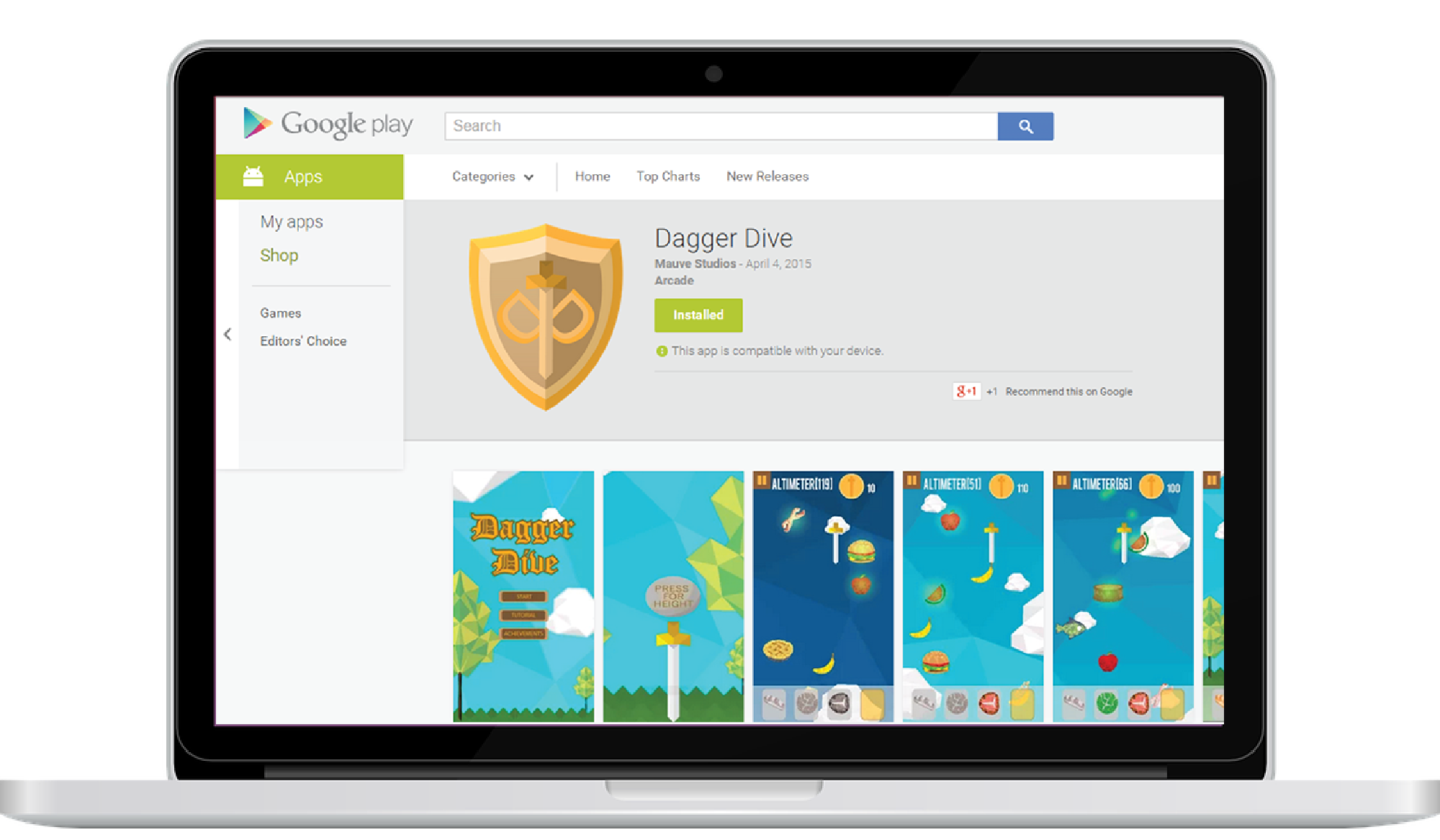
A 2D Mobile game developed with Unity
Role: Scrum Master, UX
| Team Member | Role |
|---|---|
| Mark Brouwer | Project Manager, Graphic designer, UI + UX |
| Eric Aylward | Creative Lead, Graphic Design, 2D Animator |
| Akito Roberge | Graphic Designer, Programmer |
| Rick Jason Colina | Lead programmer, Balancing |
| Nick Hickey | Audio Designer, programmer |
| Software | |
|---|---|
| Unity3D 5.4.1 | C# development |
| Adobe Illustrator | 2D Asset Creation, Frame by Frame animation |
A bunch of text
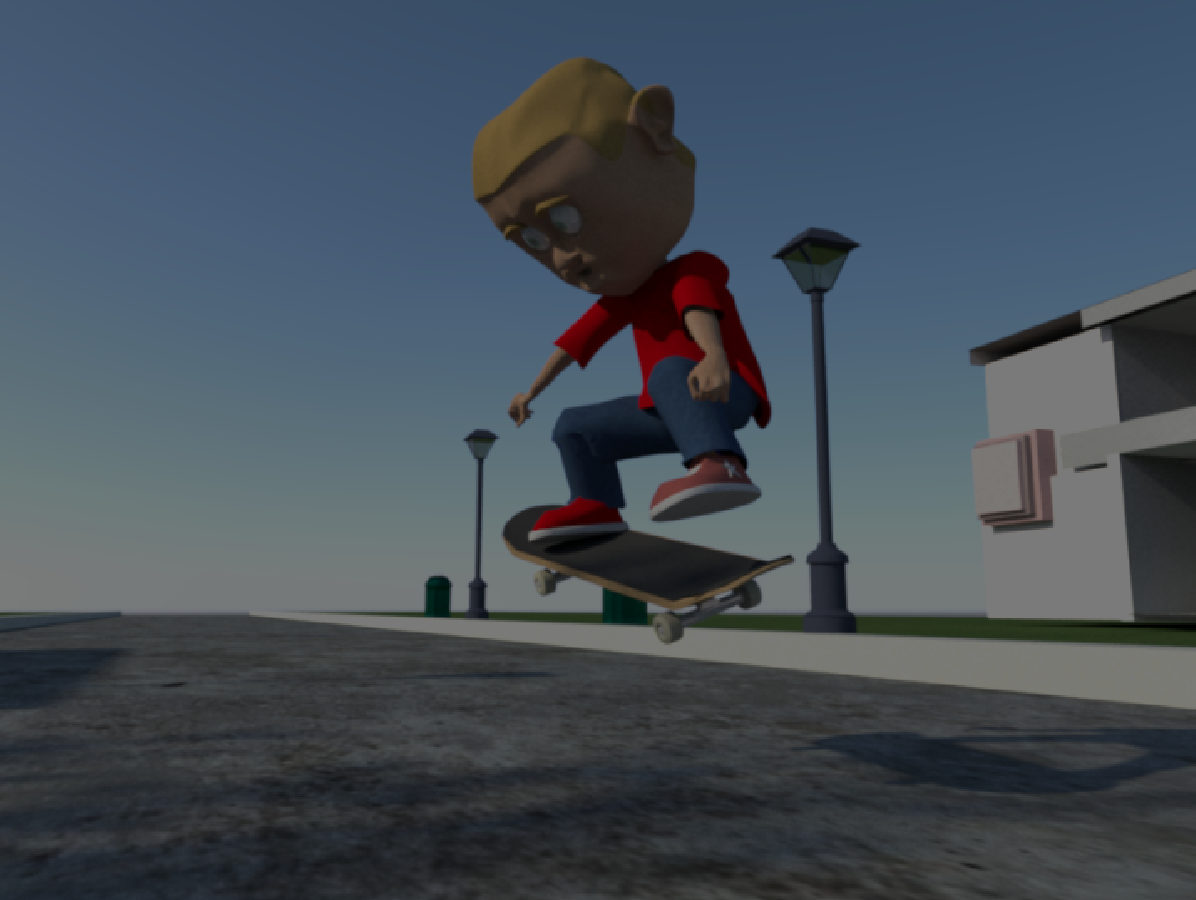
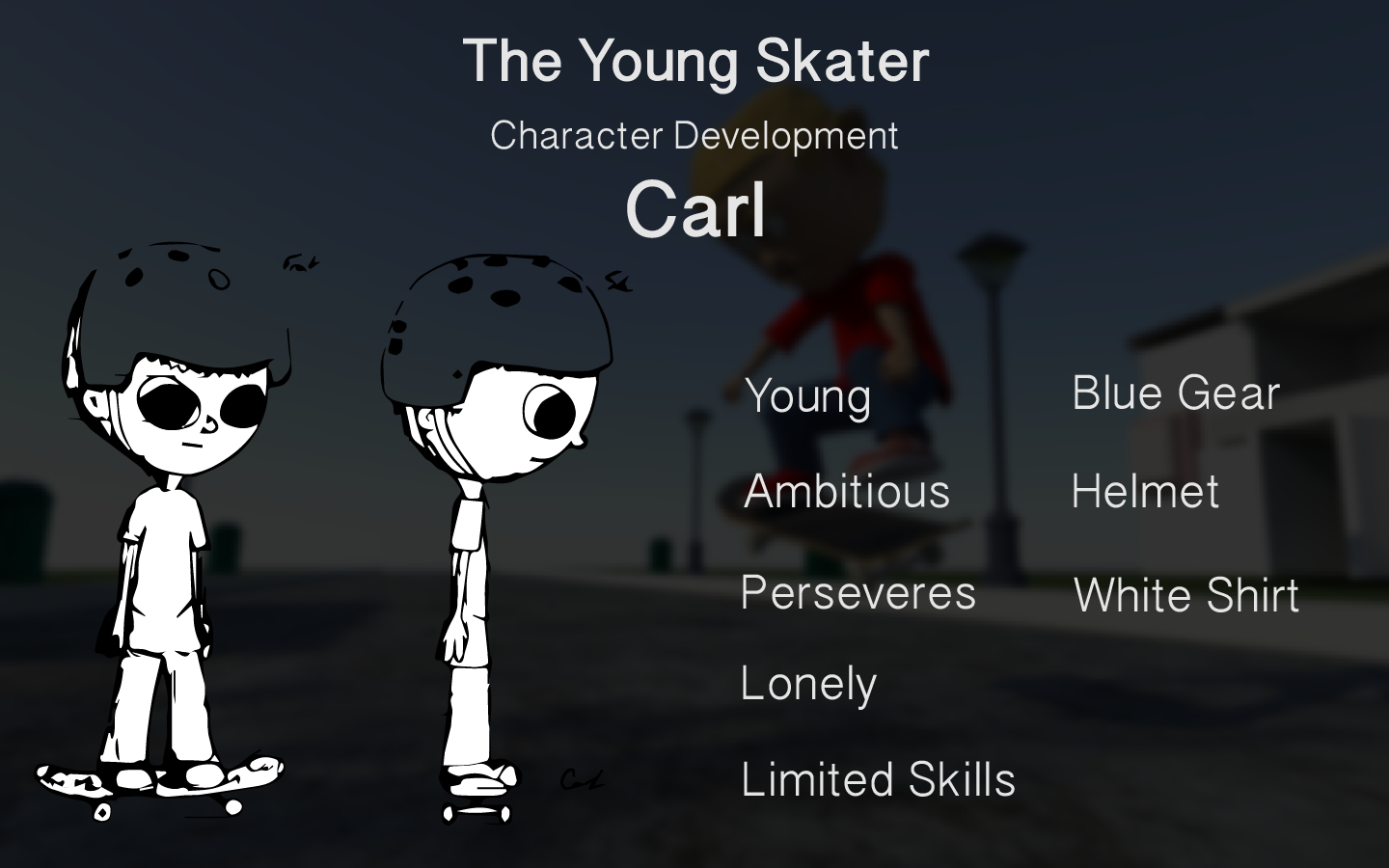
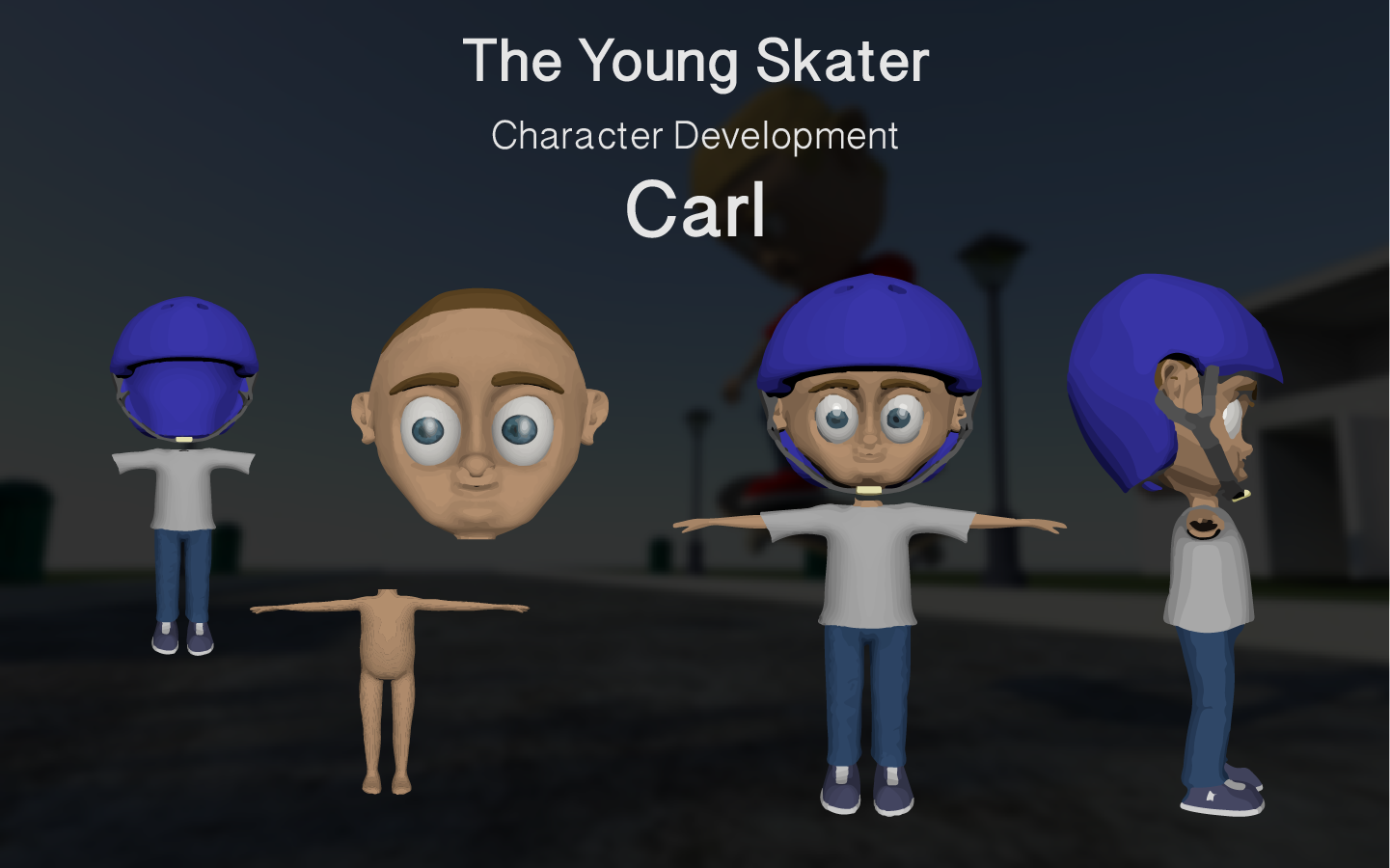
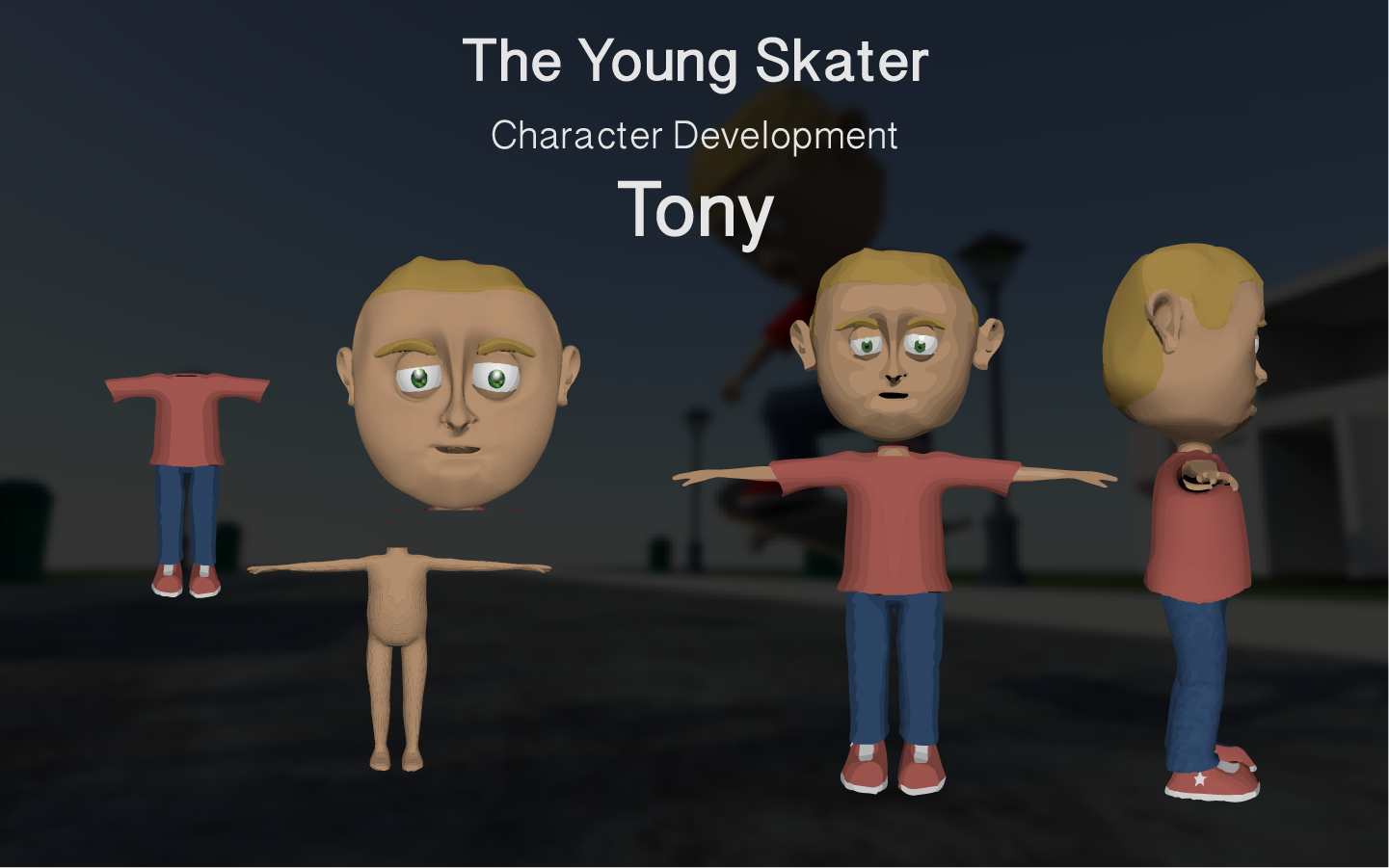
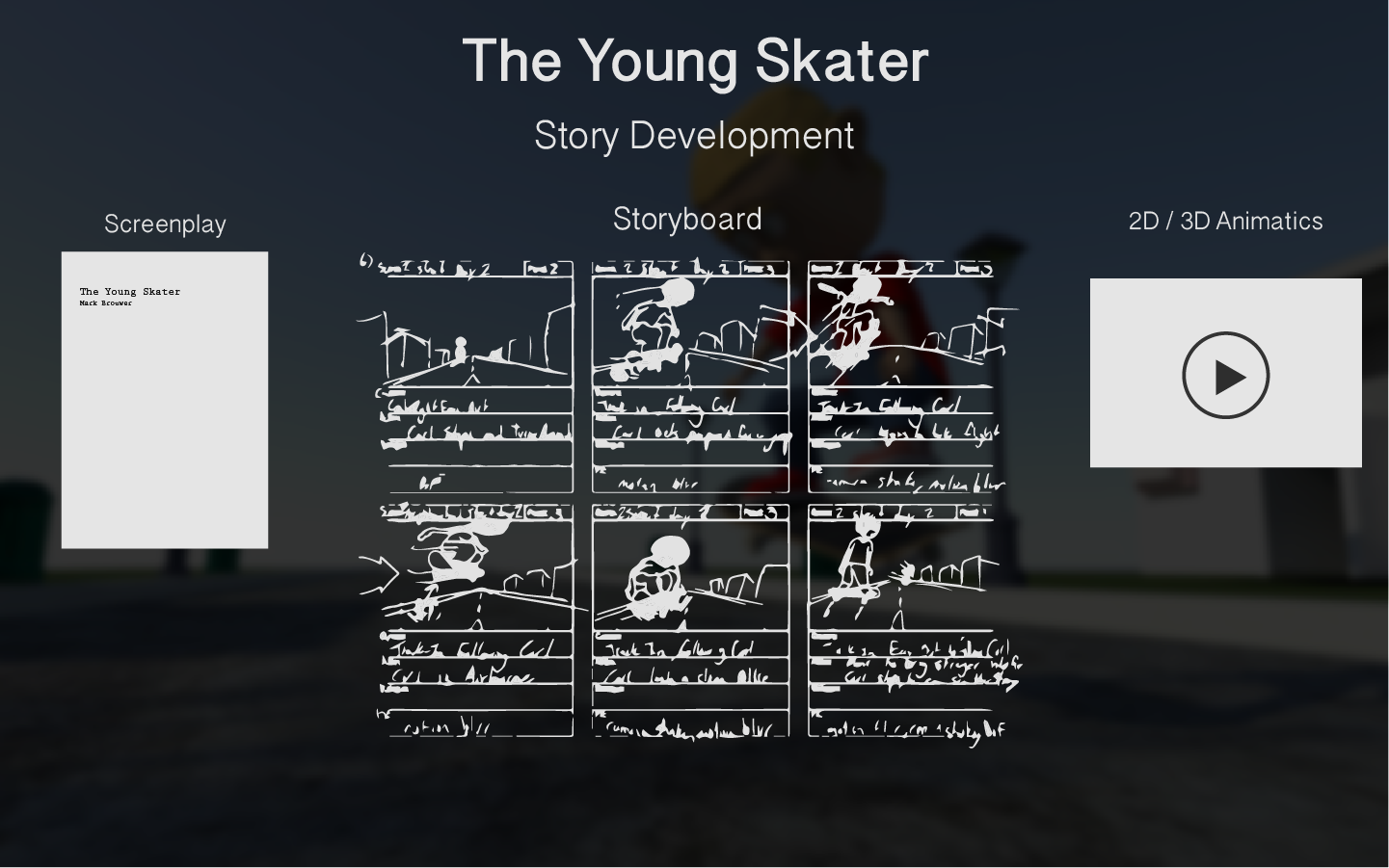
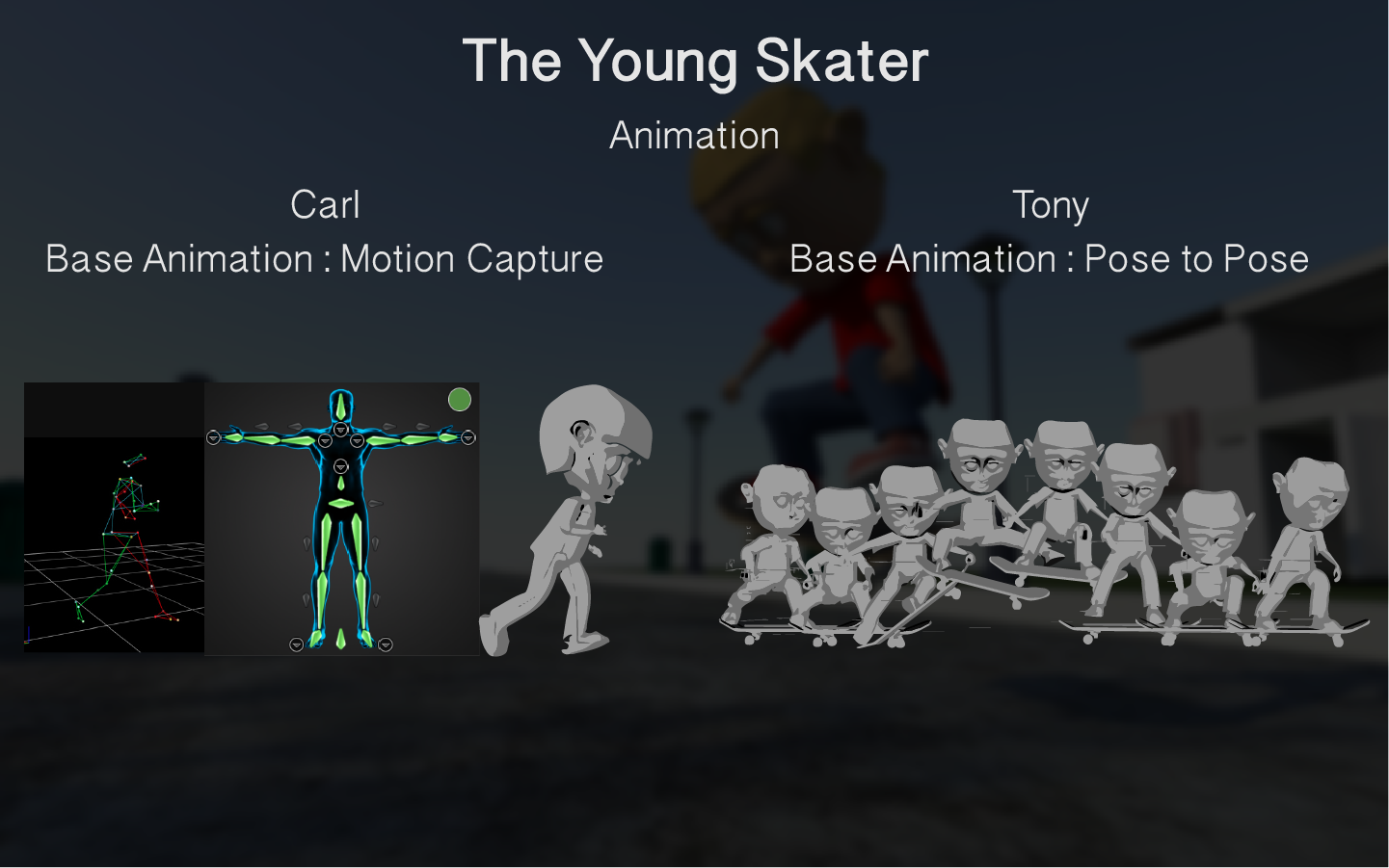
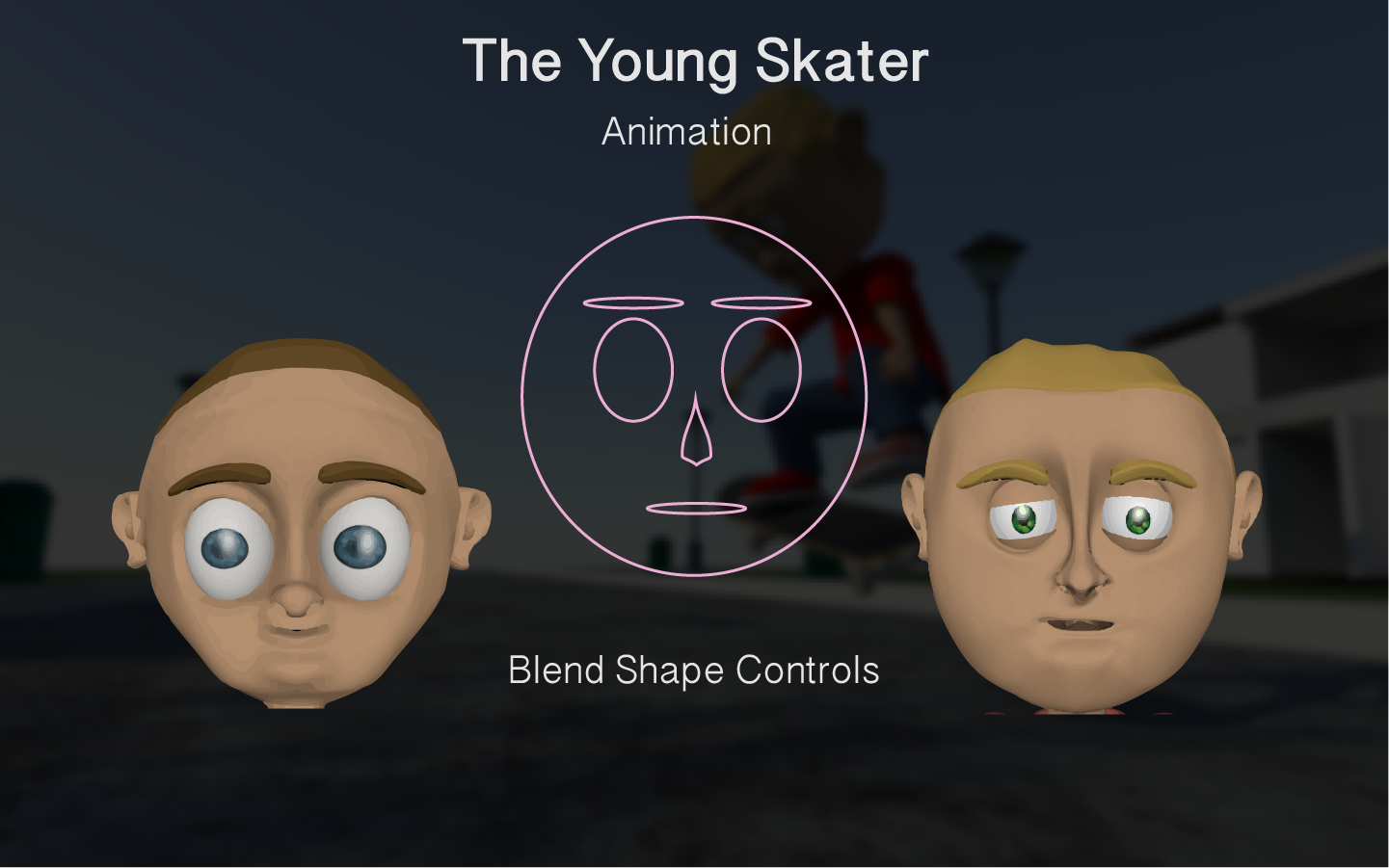
3D Computer Animation : A Young Skater
Our first task was to think of a story that involved two characters. Since I love to skateboard, I had the perfect short story idea where an ambitous young skaterboarder (Carl) wants to learn how to kickflip but cannot seem to land it. He sees a neighbour who is a talented skateboarder (Tony) do a kickflip so the following day he asks for help. The neighbour tells the young skater that he will help flip the board with his foot. The young skater ollies close to the neighbour and the neighbour kicks the board getting it to flip, the young skaters lands the "friend flip" and afterwards they become friends.